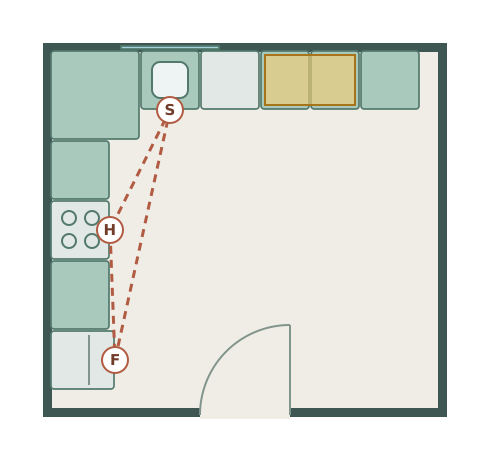
Kitchen layouts
5 furnished examples with measurements. Start with l-shaped kitchen or compare the alternatives.
The simplest free room planning tool online. Draw accurate floor plans, place furniture, and export a PNG to share with builders, designers, or your family — no account needed.
FURNISHED STARTING POINTS
Choose a furnished example, check its dimensions and adjust the walls and furniture to fit your space. Explore 13 layouts across five room types.
5 furnished examples with measurements. Start with l-shaped kitchen or compare the alternatives.
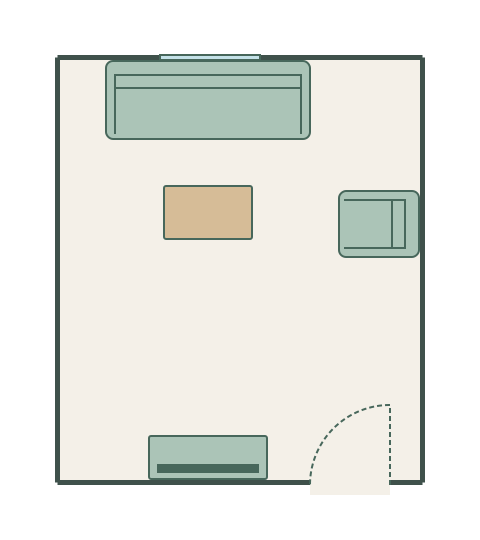
2 furnished examples with measurements. Start with sofa and tv layout or compare the alternatives.
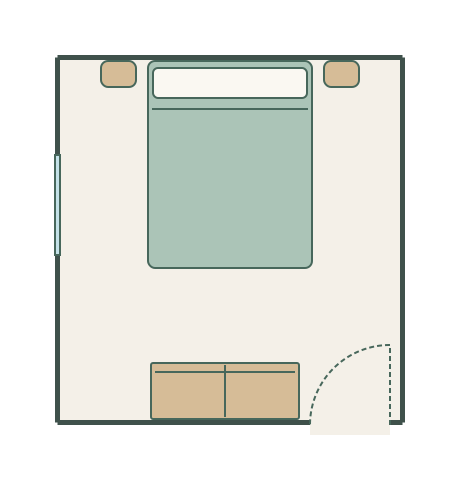
2 furnished examples with measurements. Start with bed and wardrobes or compare the alternatives.
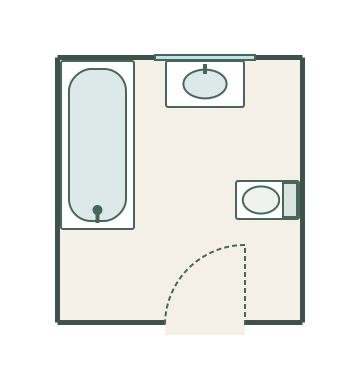
2 furnished examples with measurements. Start with family bathroom or compare the alternatives.
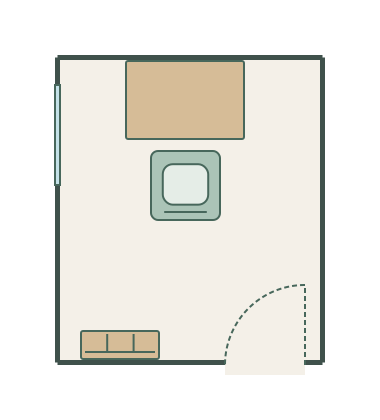
2 furnished examples with measurements. Start with focused workspace or compare the alternatives.
Have a different room in mind? Start with your own measurements.
Free Room Planner is built for homeowners, not architects. No training required.
Click to place wall points and chain them together. Alignment guides keep everything straight. Walls snap to 90° by default and display live measurements.
Drag sofas, beds, tables, doors, and windows from the library. Resize and rotate to fit. The canvas pans as you draw so you never run out of room.
Download a PNG floor plan — watermarked with freeroomplanner.com — and share it with whoever needs to see it. Or save as JSON to reload your plan later.
Purpose-built for planning home projects — not for professional CAD work.
Every wall snaps to a 10 cm grid so your dimensions are accurate without measuring twice.
Wall lengths update in real time as you draw — in metres or feet, your choice.
Sofas, beds, tables, kitchen units, doors, windows — drag and drop from the library.
Download a clean floor plan image branded with freeroomplanner.com to share with whoever needs it.
Name each space so your plan reads clearly — kitchen, lounge, en-suite.
Ctrl+Z to undo, Ctrl+Y to redo. Experiment freely, nothing is permanent.
Use Free Room Planner on any device — tablet, phone, or desktop — no app install needed.
Open the link and start drawing. No email, no sign-up, no friction.
Add door swings and window openings to make your floor plan readable at a glance.
Skip the back-and-forth. A clear floor plan tells kitchen makers, bathroom fitters, and electricians exactly what you want before work starts — reducing costly mistakes.
Drag the sofa to three different spots without moving a thing. Free Room Planner lets you experiment with furniture arrangements before you lift a finger.
Draw your room to scale, place the item you're thinking of buying, and see immediately whether it'll fit — before you order.
Sketch out room configurations for a proposed extension or new build and share with architects or planners as a clear visual brief.
Measured your room? Use our paint calculator to estimate wall coverage, our flooring calculator for floor area and pack quantities, or our tile calculator for tiled walls, floors and grout. See all calculators.
Plan your kitchen layout with units, appliances, and islands.
Position sanitaryware and fittings before the plumber arrives.
Find the best bed position and storage configuration.
Arrange sofas, tables, and TV units to find the perfect layout.
Create detailed multi-room floor plans for renovations and new builds.
Not every planning job fits a named category. Sometimes you need to plan a home office, a utility room, a playroom, a garage conversion, or a space that doesn't have a tidy label. The room planner is the open-canvas version — walls, furniture, doors, windows, and measurements, for any room you're working on.
Draw the walls, drop in the furniture from the library, resize everything to your dimensions, and export a clean PNG. Useful for briefing any tradesperson — builder, joiner, electrician, or architect — or just for working out whether a piece of furniture will physically fit before you buy it.