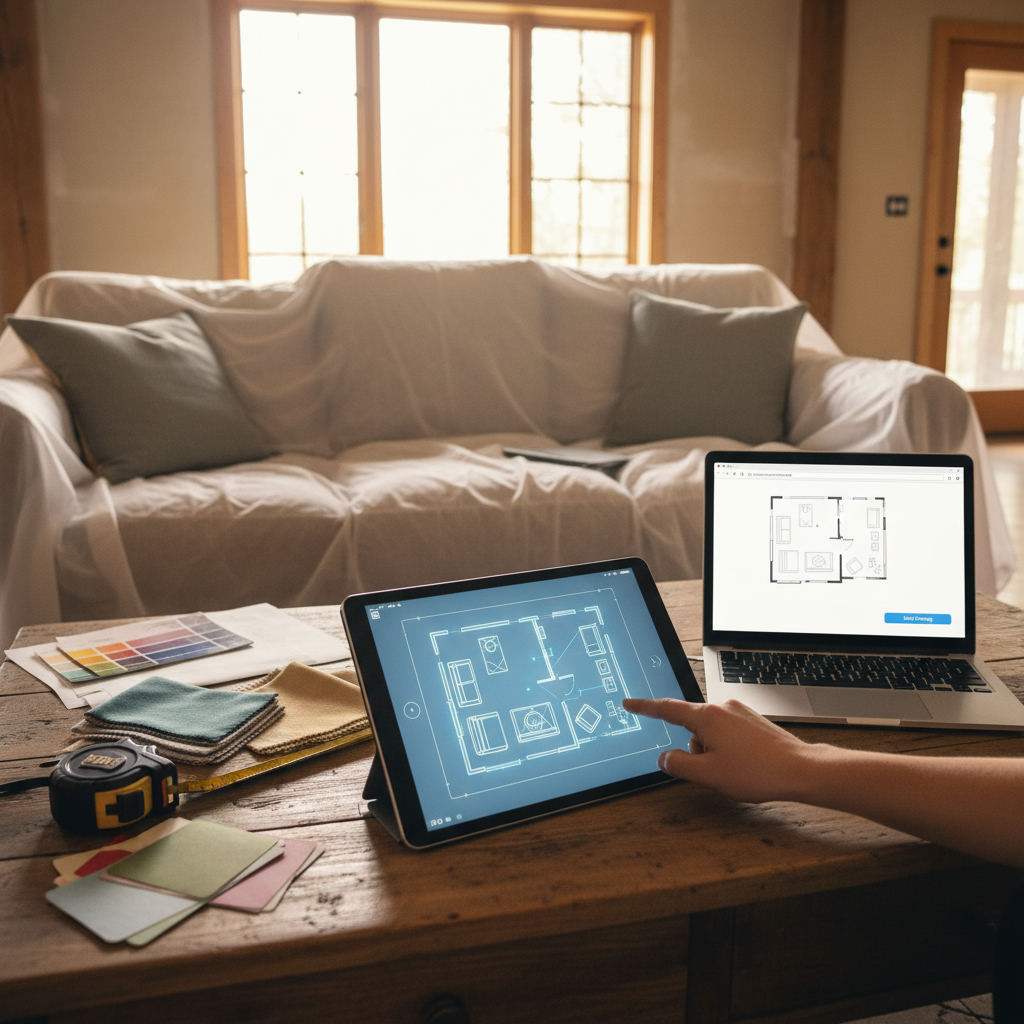
A room planner app with no sign up lets you draw floor plans instantly in your browser without creating an account or downloading software.
By Free Room Planner Team · Last updated: May 2026TL;DR
- freeroomplanner.com is a browser-based room planner with no sign up and no cost
- Draw walls, add furniture, and export a clean PNG to share with your contractor
- Snap-to-grid accuracy and live measurements keep your dimensions reliable
- Works on any device with a browser — no app store, no installation
- See how it stacks up against Planner 5D, RoomSketcher, and Canva's floor plan maker in the comparison table below
Why 'No Sign Up' Actually Matters
It sounds like a small thing. It isn't.
Every time a tool forces you to register before you can touch it, you lose something — time, momentum, and often the will to continue. That matters most when you're mid-project and just need a quick layout to show your kitchen fitter.
The Hidden Cost of Creating Yet Another Account
Registration feels quick. In practice, it rarely is. You enter your email, wait for a verification link, create a password you'll forget by next week, then get funnelled through an onboarding flow before you're anywhere near a blank canvas.
For a one-off planning task — sketching a bathroom renovation layout, checking whether a sofa fits, briefing a contractor — that friction is disproportionate. You don't need a relationship with the software. You need a floor plan.
Password fatigue is real. According to NordPass research on password habits, the average person manages over 100 passwords. Adding another account to that pile, for a tool you might use once, creates a small but genuine barrier that stops many people from planning at all.
What You Lose When a Tool Goes Behind a Paywall
Several popular room planners offer a free tier — but restrict the parts that actually matter. Exports get watermarked. Furniture libraries shrink. Measurements disappear unless you upgrade.
That's not free. That's a trial.
A genuinely free floor plan maker gives you everything: accurate dimensions, a full furniture library, and a clean export you can send straight to your builder. Check the export options and any attribution before choosing a tool.
How freeroomplanner.com Works (No Account Needed)
Here's exactly what happens when you open the tool — from blank screen to shareable floor plan.
Step 1: Open the Tool in Your Browser
Go to freeroomplanner.com. That's it. No app store visit, no installation file, no loading screen asking for permissions. The planner opens immediately in your browser on any device.
Step 2: Set Your Room Dimensions
Type in your room's width and length. The tool uses snap-to-grid accuracy, so every wall locks to a 1cm metric wall grid automatically. Live measurements update as you draw, so you always know exactly what you're working with.
If you want to go deeper on drawing accurate floor plans, the guide on how to draw floor plans accurately walks through the full method — including how to measure a room correctly before you start.
Step 3: Add Walls, Doors, and Windows
Drag walls into position. Place doors and windows from the toolbar. The tool handles standard room features without requiring any specialist knowledge — if you can click and drag, you can build an accurate room outline in under two minutes.
Step 4: Place Furniture and Check the Fit
This is where the planning actually happens. Pull furniture items from the library and drop them into your room. Resize them to match your real pieces.
Does the sofa clear the coffee table with room to walk around? Does the kitchen island leave enough space between itself and the run of cabinets? You'll know before you buy anything or move anything heavy. The furniture arrangement tool guide covers this process in more detail if you're working with a tricky room shape.
Step 5: Export and Share
Hit export. You get a clean PNG image with your room layout and dimensions. Send it to your contractor, builder, or kitchen fitter by email, WhatsApp, or however you normally communicate. No account is required to download. Free PNG exports include a Free Room Planner attribution badge.
Browser Tool vs Sign-Up App: Side-by-Side
If you're still weighing your options, here's how freeroomplanner.com compares to three sign-up-required alternatives.
| Feature | freeroomplanner.com | Planner 5D | RoomSketcher | Canva Floor Plan Maker |
|---|---|---|---|---|
| Account required | No | Yes | Yes | Yes |
| Cost | Fully free | Free tier + paid plans | Free tier + paid plans | Free tier + paid plans |
| Export without upgrade | Yes — clean PNG | Limited on free tier | Watermarked on free tier | Yes, but limited layouts |
| Learning curve | Low — drag and drop | Medium | Medium | Low — but limited room tools |
| Browser-based | Yes | App + browser | Browser + app | Browser only |
| Metric and imperial | Yes | Yes | Yes | Limited |
| Snap-to-grid accuracy | Yes — 1cm metric wall grid | Yes | Yes | Basic |
Canva's floor plan maker is a popular choice because most people already have a Canva account — but it's built around graphic design templates, not room measurement. You get a visually clean output, but the dimensional accuracy isn't built for sharing with a contractor who needs real numbers.
Planner 5D and RoomSketcher both offer more features at the paid tier, but if you need a quick, accurate layout today, those extra features come with extra steps before you can access them.
What You Can Plan With a Browser-Based Room Planner
The tool works across every common room type. Here's where it makes the biggest difference.
Kitchen and Bathroom Layouts
These two rooms demand the most precision. Cabinet runs, appliance clearances, door swing into a tight space, walkway width between a kitchen island and a wall of units — millimeters matter here.
A browser-based floor plan maker with live measurements catches conflicts before your fitter shows up. The kitchen layout planner with dimensions guide goes further on standard kitchen sizes and clearance rules. For smaller bathrooms, a quick layout sketch is especially useful — small bathroom layout ideas for a 6x8 room often hinge on which direction the door swings.
Bedroom and Living Room Arrangements
Bedroom layout planning and living room arrangements are lower-stakes but still worth sketching before you start moving furniture. Can a king bed fit with bedside tables on both sides? Will a corner sofa block the radiator?
Draw it first, move it second. The room layout ideas for small spaces article has worked examples for awkward room shapes.
Home Office and Multi-Room Floor Plans
Open-plan spaces and home offices benefit from the multi-room view — you can see how a desk placement in a converted bedroom affects the flow of the whole floor. The home office layout guide covers the specific considerations for workspace planning, from desk orientation to cable management zones.
Common Floor Plan Errors a Good Tool Prevents
Most renovation mistakes don't happen during the build. They happen during the planning — or the lack of it. Here are five errors that come up repeatedly, and how snap-to-grid accuracy catches them early.
- Ignoring door swing clearance. A door that opens into a narrow hallway or swings into a radiator is a problem that only shows up once it's fitted. Drawing doors to scale — with their arc — flags the conflict immediately.
- Forgetting radiator positions. Radiators eat wall space and restrict furniture placement. Mark them on your floor plan from the start, not as an afterthought.
- Underestimating walkway width. Kitchen guidance typically suggests a minimum of 90 cm between parallel runs of cabinets for comfortable single-person use, and around 120 cm for two people. Live measurements make it easy to check this before cabinets are ordered.
- Placing furniture without checking sightlines. A TV positioned opposite a window creates glare. A sofa with its back to the door feels uncomfortable. A 2D floor plan shows these relationships clearly.
- Scaling from memory. People consistently misjudge room size. The gap between what a room feels like and what it actually measures is where most furniture-buying regret originates. A snap-to-grid floor plan anchors every decision in real numbers.
Free 2D Floor Plan Creator: What to Look For
Not every free floor plan maker delivers what it promises. If you're comparing tools before you commit your time, check these five things first.
- No paywall on exports. If you can't download your finished plan without upgrading, the tool isn't truly free.
- Metric and imperial measurement support. Essential for UK and US users working with contractors who use different systems.
- A usable furniture library. Standard pieces — sofas, beds, kitchen cabinets, appliances, bathroom fixtures — should be included at no cost.
- Shareable output. A clean image or PDF you can send directly, without the recipient needing their own account to view it.
- Zero installation. A browser-based tool means no version updates, no storage space used, and access from any device.
freeroomplanner.com meets all five. That's why it works as a fast free floor plan software option whether you're planning a kitchen renovation, a bathroom upgrade, or just checking whether a new wardrobe fits.
Frequently Asked Questions
Is freeroomplanner.com really free with no sign up?
Yes. You don't need an account, an email address, or a payment method. Open the tool in your browser, draw your room, and export your floor plan — all at no cost. There are no hidden tiers or time-limited trials.
Can I use a room planner app on my phone without an account?
Yes. freeroomplanner.com runs in any mobile browser without installation or registration. Most phone-based room planner apps require you to download from an app store and create an account before you can start — a browser-based tool removes both steps.
How accurate are browser-based floor plan tools?
Accuracy depends on the tool. freeroomplanner.com uses a snap-to-grid system with a 1cm metric wall grid and live measurements, which is accurate enough for furniture placement, contractor briefings, and renovation planning. For structural or building regulation purposes, you would need a professional survey — but for everyday layout decisions, browser-based tools are reliable.
What is the difference between a 2D and 3D room planner?
A 2D floor plan shows your room from above — walls, furniture, doors, and dimensions laid out flat. A 3D room planner adds a rendered view from inside the space. For sharing with contractors and fitters, 2D is more useful because dimensions read clearly. For visualising finishes and decor, 3D adds more context. Most homeowners find 2D plans faster to create and easier to share.
Start Planning Now — No Sign Up Required
You don't need an account. You don't need to download anything. You don't need to decide between pricing tiers before you've drawn a single wall.
Open freeroomplanner.com, set your dimensions, and have a shareable floor plan ready in minutes. Whether you're briefing a kitchen fitter, checking furniture fit, or sketching a bathroom renovation layout — start now.
Want to get your measurements right before you start drawing? The guide to drawing floor plans accurately covers the full method, from measuring your room to exporting a clean plan your contractor will actually use.