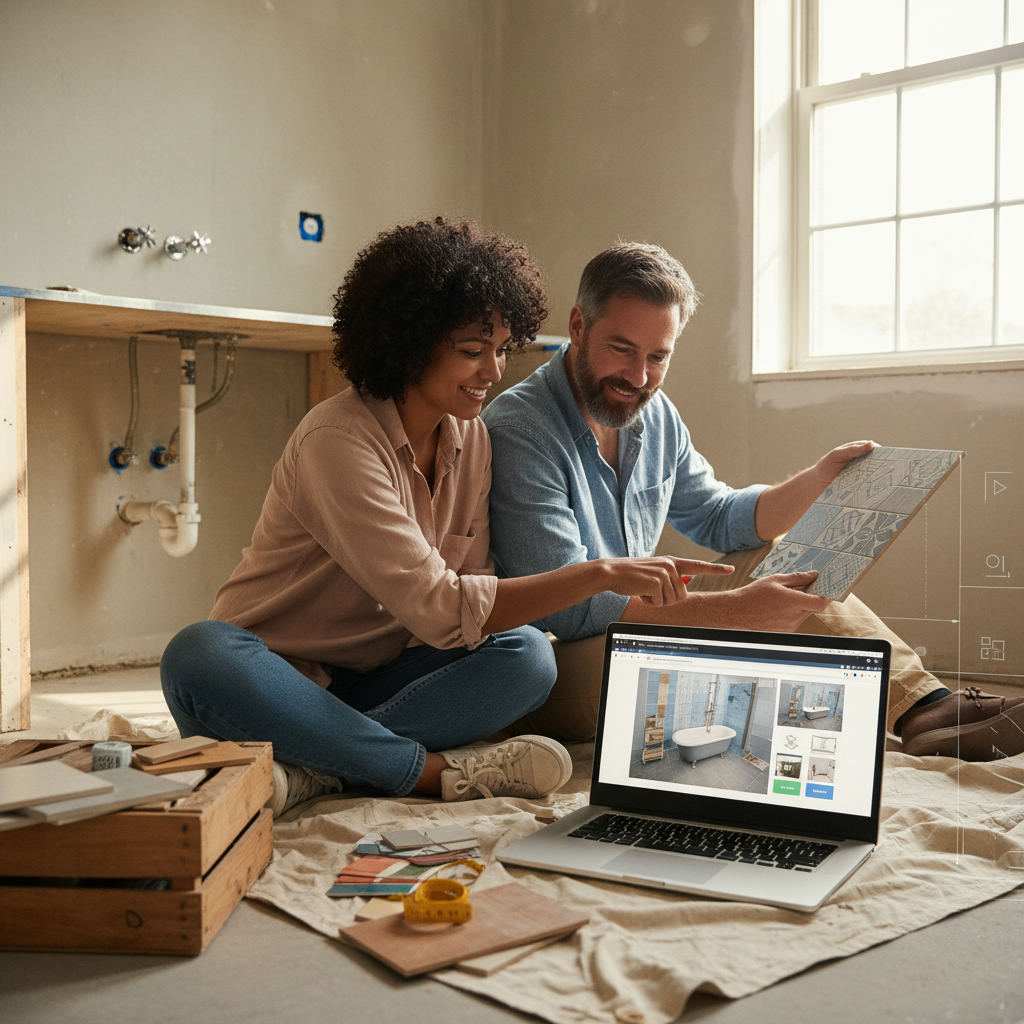
A virtual bathroom designer with no download is a browser-based tool that lets you draw your bathroom layout, place fixtures, and export a floor plan without installing software or creating an account.
In this article
- TL;DR
- What should you look for in a free bathroom design tool?
- Free Room Planner — best for accurate layouts you can share
- How do the other free bathroom planners compare?
- Which no-download bathroom tool fits your goal?
- How do you get the most out of any browser-based planner?
- The bottom line
- Frequently Asked Questions
You know the feeling. You find a promising bathroom planner, click to get it, sit through an installer, then hit a subscription wall just to save your work. Ten minutes gone before you've drawn a single wall.
Every tool here runs in a browser. No installation, no account needed to start, and in the top pick's case, no payment at any stage. Below is an honest roundup of the best virtual bathroom designers with no download required, plus a clear comparison of where each one wins and where it falls short.
TL;DR
- Every tool listed runs in a browser. No installation to begin, though some need an account to save or export.
- Free Room Planner ranks as the top free option for accurate, shareable layouts with real dimensions and zero sign-up.
- Visual tools suit inspiration and styling; technical tools suit CAD-comfortable users; AI tools suit photo-based redesign ideas.
- Measure your room before opening any planner. It saves a second session.
What should you look for in a free bathroom design tool?
Check any browser-based planner against five things before you commit time to it: ease of use, measurement accuracy, fixture range, export quality, and whether sign-up or payment blocks the parts you actually need.
Not every free floor plan software without a download does the same job. Some are built for pretty pictures. Others are built for plans a fitter can quote from. Here's what separates them:
- Ease of use — Can you draw walls and drop in fixtures in a few minutes, or does it demand a tutorial first?
- Measurement accuracy — Does it use real units and show live dimensions? A plan without accurate measurements works for inspiration, not for briefing a contractor.
- Fixture range — Does it include the fittings you need: bath, shower, toilet, basin, and storage?
- Export quality — Can you share a clean image file, or only a screenshot of a 3D render with no dimensions?
- Sign-up and payment barriers — Some tools are browser-based but lock exports or saving behind registration or a paid tier. This guide flags those.
Free Room Planner — best for accurate layouts you can share
Free Room Planner is the strongest pick when your goal is an accurate bathroom floor plan to share with a contractor or fitter. It runs entirely in your browser — no download, no sign-up, no cost at any stage, including export.
The bathroom planner uses snap-to-grid, so metric walls snap in 1cm steps. The measurements you share are reliable, not approximate. Live dimension labels update as you draw, so you can see whether a freestanding bath clears the far wall before you buy it.
The fixture library covers the essentials: bath, shower enclosure, toilet, basin, and storage units. Export produces a clean PNG — exactly what a fitter needs to quote accurately. No artistic impression, just a clear dimensioned plan.
Among free bathroom design tools, this is the one that removes every friction point at once: no registration, no payment wall, no software to install.
How to design your bathroom in five steps
- Open the bathroom planner in any modern browser. It loads instantly.
- Draw your walls to enter room dimensions. Snap-to-grid locks lengths to accurate measurements.
- Add your fixtures by dragging the bath, shower, toilet, and basin from the panel. Match your existing plumbing points or your preferred new layout.
- Adjust on screen and try different arrangements. Moving a toilet in the planner costs nothing; moving it on-site costs a lot.
- Export the plan as a clean image and send it straight to your fitter or contractor.
Take a real example. A homeowner working with a 2.1m x 1.8m bathroom tested three toilet and basin positions before finding one that cleared the door swing and kept the shower accessible. That five-minute session meant no rework charges. The same approach works for adjacent rooms too, whether you're mapping a bathroom or working through how to plan a kitchen renovation and briefing a fitter on the result.
How do the other free bathroom planners compare?
The main browser-based alternatives fall into three camps: visual inspiration tools, technical floor plan tools, and AI photo redesign tools. Each has a place, but most gate saving or exporting behind an account or a paid tier.
For photorealistic visuals, a couple of tools run in-browser and produce impressive 3D previews of tile styles and finishes. The catch: they usually require account creation before you can save or export, and they favour visual inspiration over contractor-ready plans with precise dimensions.
For decoration and styling, some planners carry a large catalogue of surfaces and fittings. Handy for settling on a visual theme before you move to a precise layout. Less handy for briefing a plumber, because they lean aesthetic rather than dimensional.
For technical output, CAD-style floor plan tools give precise, flexible drawing. They suit users comfortable with that workflow, but the free tier tends to be limited and full features sit behind a subscription. Expect a steeper learning curve.
For AI-powered redesign ideas, upload-a-photo tools generate redesign suggestions from an image of your existing bathroom. Genuinely useful early on to picture a new finish, but they don't produce accurate or shareable floor plans. Use one to narrow direction, then move to a layout planner to lock in dimensions.
Which no-download bathroom tool fits your goal?
The table below compares the free options across the five criteria that matter most. Match the tool to your actual goal rather than picking the flashiest one.
| Tool type | No download | No sign-up | Free to use | Measurement accuracy | Export |
|---|---|---|---|---|---|
| Free Room Planner | Yes | Yes | Yes, fully | High — snap-to-grid, live measurements | Clean PNG |
| Photorealistic 3D tools | Yes | No — account required | Free tier | Medium | Limited on free tier |
| Styling / decoration tools | Yes | Partial | Free tier | Low — style-focused | Screenshot / limited |
| CAD-style technical tools | Yes | No — account required | Limited free tier | High | Subscription for full export |
| AI photo redesign tools | Yes | No | Free to try | Not applicable | AI render image |
How do you get the most out of any browser-based planner?
Preparation matters more than the tool. Measure the room, mark your plumbing, check fixture clearances, then export a clean plan to share. Do these four things and you'll get a useful result from any online bathroom design tool with no sign-up.
- Measure first. Length, width, ceiling height, plus the position of every door and window. Five minutes here saves you rebuilding the layout from scratch.
- Mark existing plumbing. Note where the soil pipe exits the wall or floor. Moving plumbing is costly, so a layout that works with existing positions is almost always cheaper to build.
- Check clearances. Common guidance recommends at least 600mm of clear space in front of a toilet and roughly 700mm for a shower door to open safely. Build these in before sharing.
- Export and share. A clean floor plan image removes ambiguity and cuts the risk of expensive miscommunication. This is the single biggest reason to use a planner at all.
Want to know exactly what detail a builder expects? The guide on how to brief a builder with a floor plan sets out what different stakeholders need to see. And if you're rethinking adjacent spaces, the same logic in the furniture arrangement tool online guide applies to living rooms and bedrooms.
The bottom line
The best virtual bathroom designer is the one that matches your goal. Need an accurate, shareable floor plan a contractor can work from? Free Room Planner is the right starting point — it runs in your browser, needs no account, costs nothing, and exports a clean plan you can send in minutes.
Still exploring finishes? Try a visual or AI tool first to settle on a look, then bring the confirmed dimensions into an accurate planner for the shareable layout. Start planning your bathroom now, no download and no sign-up required.
Frequently Asked Questions
Here are the questions homeowners ask most when searching for a browser-based bathroom design tool.
Can I design a bathroom online without downloading anything?
Yes. Several tools run entirely in a browser with no installation. Free Room Planner stands out as the one that also needs no account and no payment at any stage, including export. That combination is rare among free bathroom design tools.
Are browser-based bathroom planners accurate enough to share with a contractor?
It depends on the tool. Snap-to-grid planners with live measurements produce plans a fitter can quote from directly. Visual and styling tools are better for inspiration than for precise, shareable layouts, because their focus is finishes rather than exact dimensions.
Do I need to create an account to use a free bathroom planner?
Not always. Free Room Planner needs no account at any point. Many alternatives require registration to save or export, and some add a paid tier for a clean file. Check the sign-up requirement before investing time in a layout.
What information should I have ready before I start?
Measure the room length and width, note where all doors and windows sit, and mark where existing plumbing exits the wall or floor. Having these details ready means you finish the layout in one session rather than two.
Can I export my bathroom layout to send to a fitter?
Yes. Free Room Planner exports your finished plan as a clean image file you can send straight to a fitter. Other tools vary by tier, and some require a paid subscription before you get a usable export file.
Is a free bathroom planner as good as paid design software?
For most home renovations, yes. You don't need CAD-style software to draw an accurate layout and brief a contractor. A free browser planner with snap-to-grid and live measurements covers what a homeowner actually needs to plan a bathroom and share it with confidence.
Related reading
- Best Free Online Bathroom Planner: Compared and Ranked (2026)
- Virtual Room Layout Creator: Plan Any Room Free
- Best Free 3D Home Design Software (2025)
- Best Free Floor Plan Software With No Download (Tested & Ranked)
- Design Bathroom Space Planner: Step-by-Step Guide
- Room Planner App No Sign Up: Start Drawing Instantly