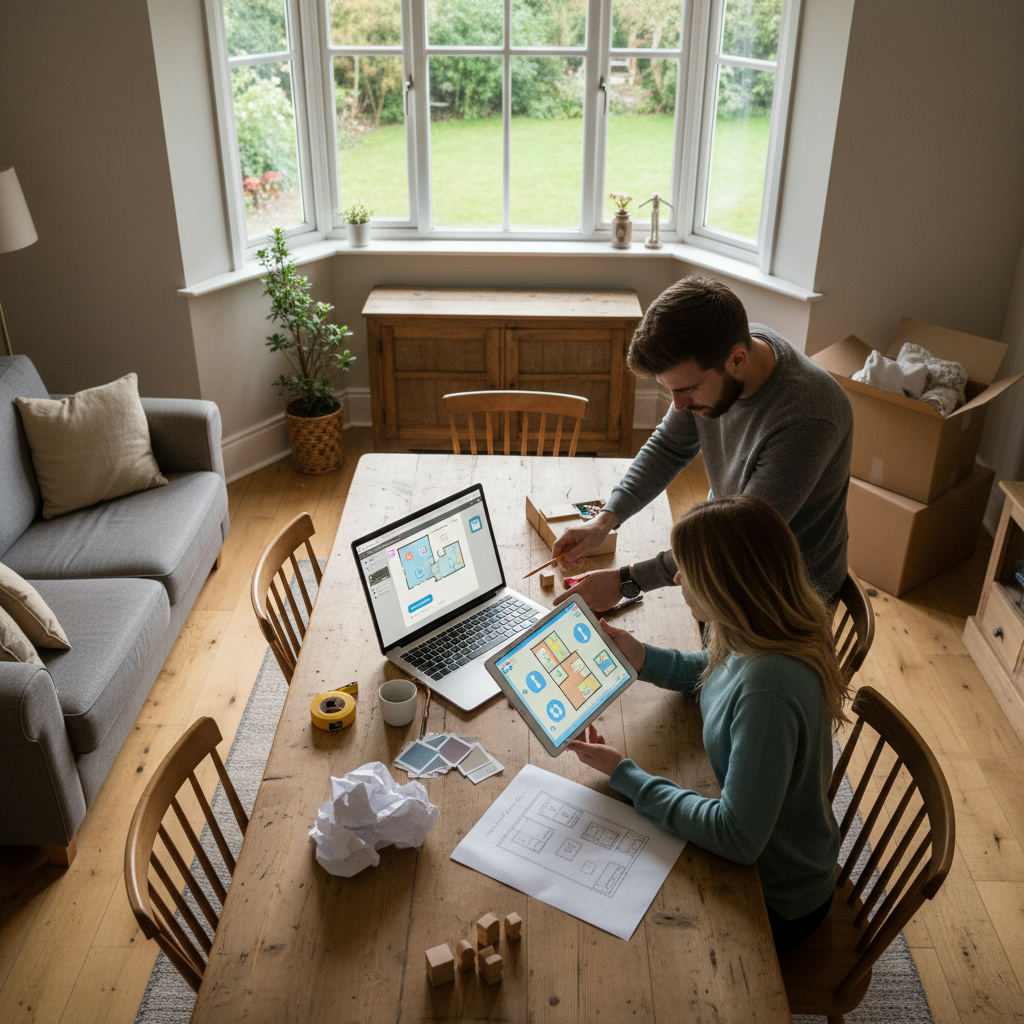
You found a room planner you liked — or you've been hunting for a decent free one — and now you're stuck. Half the tools paywall you after five minutes. The rest want an account before you can draw a single wall.
By Free Room Planner Team · Last updated: August 2026It's frustrating, because all you really want is a simple way to sketch your room to scale and share it with a contractor. This guide cuts through the noise. You'll learn what a room planner actually does, how to spot a good free one, and how to plan your layout today — no download, no sign-up, no spend.
What Is a Room Planner (and What Should It Actually Do)?
For the complete guide on this topic, see Floor Plan Maker for Contractors: A Homeowner's Guide.
A room planner is a browser or app-based tool that lets you draw a room to scale, place furniture and fixtures accurately, and see the layout before you move anything in real life. It turns guesswork into a clear, shareable plan.
A genuinely useful planner does three jobs well. First, accurate measurements — every wall and unit sits at true scale, not an eyeballed sketch. Second, drag-and-drop furniture you can resize to match what you actually own. Third, easy sharing, so you can send a clean image to a fitter without explaining it over the phone.
Get those three right and you've got everything a homeowner needs.
Why Free Room Planners Are Good Enough for Most People
Here's the myth worth killing: you don't need paid or professional software to plan a room well. For rearranging a bedroom, refreshing a kitchen, or redesigning a living room, a free browser-based planner covers every practical need.
Think about what you're actually trying to solve:
- Furniture fit uncertainty — will the sofa clear the door, will the island leave enough walking space?
- Miscommunication with contractors — a scale drawing beats a scribble on the back of an envelope every time.
- The cost of a designer — hiring someone just to sketch a layout is money most renovations can't spare.
A free tool answers all three. The paid extras — photo-real 3D, material catalogues — look impressive but rarely change a single practical decision.
What to Look for in a Free Room Planner
Use this checklist to judge any tool in about a minute:
- No sign-up required — you should be drawing within seconds, not filling in a form.
- Snap-to-grid accuracy — walls that lock to a fixed grid keep your measurements honest.
- Real-scale dimensions — the plan reflects true centimetres or inches, not a vague ratio.
- A furniture library — ready-made beds, sofas, and kitchen units you drag and resize.
- Export or share options — a clean image you can email or message.
- Works in your browser — no download, on laptop or phone.
Free Room Planner ticks every box: it opens in the browser, snaps every wall to a 1cm metric wall grid, and needs no account to start.
How to Plan a Room Layout in 5 Steps
Planning a room takes about five minutes once you've measured up. Follow these steps:
- Measure your room and note where doors and windows sit.
- Enter your dimensions into the planner to set the room outline.
- Add walls, doors, and windows so the shape matches reality.
- Drag in furniture and resize each piece to match what you own.
- Export or screenshot the finished plan to send to a contractor or family member.
That's it — a shareable, to-scale layout without touching CAD software.
Getting Your Measurements Right Before You Start
Garbage in, garbage out. Measure the room properly before you open any tool.
- Measure to the nearest centimetre or half-inch — small errors compound across a whole wall.
- Note ceiling height if you're planning tall units or shelving.
- Mark fixed features like radiators, sockets, and boiler positions, because these dictate where furniture and units can actually go.
Want more detail on measuring cleanly? Our guide on how to draw floor plans accurately walks through the common traps.
Room-Specific Planning: Which Planner Works Best Where
Every room has its own puzzle. Here's the main one for each:
- Kitchen — appliance clearance and the work triangle between sink, hob, and fridge.
- Bathroom — squeezing a bath, basin, and toilet into a small footprint with door swing.
- Bedroom — placing the bed relative to the door and window light.
- Living room — balancing seating, the TV wall, and clear walkways.
Free Room Planner offers a dedicated planner for each. Start with the free bedroom layout planner or the free kitchen planner depending on which room you're tackling first.
Free Room Planner vs Paid Tools: Is There a Real Difference?
For most homeowners, no meaningful difference — it comes down to use-case fit. If you're doing a one-off redesign or briefing a contractor, a free browser tool does everything you need.
Paid tools add 3D rendering and huge material libraries. Useful for a professional designer producing client visuals. Overkill for someone who just wants to know the wardrobe fits and the fitter understands the plan.
The honest trade-off:
| Feature | Free browser tool | Paid software |
|---|---|---|
| Accurate scale plan | Yes | Yes |
| Sign-up / download | None | Usually required |
| 3D photo-real views | No | Yes |
| Ongoing cost | Free | Subscription |
| Best for | Homeowners, quick briefs | Design professionals |
If you're weighing named alternatives, our roundup of the best free room planning alternatives breaks down who each tool actually suits.
How to Share Your Room Plan With a Contractor or Designer
A finished plan is only useful once it's in your fitter's hands. Here's how to hand it over cleanly:
- Export the plan as a clean PNG image.
- Check the key measurements are visible and labelled.
- Send it by email or messaging app, or print a copy for a site visit.
Why this matters: a visual floor plan with real dimensions cuts the back-and-forth that causes expensive mistakes. Your contractor sees exactly what you mean — not a rough sketch open to interpretation. If you want the full briefing method, read our guide on briefing a builder with a floor plan.
Start Planning Your Room — Free, Right Now
A good room planner needs no sign-up, runs in your browser, and gives you an accurate layout you can share in minutes. That's the whole job — and it costs nothing.
Free Room Planner does exactly that. Open the room planner with no sign-up, draw your walls, drop in your furniture, and export a clean plan today.
Want to try a whole home rather than one room? The browser-based multi-room floor plan designer lets you map every space in one layout.
Frequently Asked Questions
Quick answers to the questions homeowners ask most before picking a room planner.
Is a free room planner really free, or does it paywall me later?
A genuinely free planner lets you draw, edit, and export without ever hitting a paywall. Free Room Planner charges nothing and needs no account. Watch out for tools that let you start free but block export or saving until you pay or sign up.
Do I need to download software to plan a room?
No. The best free room planners run entirely in your browser, so there's nothing to install on a laptop or phone. You can look up "free floor plan software no download" and skip anything that forces an install — browser-based tools work on any device instantly.
Can I use a room planner to brief my kitchen fitter?
Yes, and it's one of the strongest reasons to use one. Export a scale plan with your dimensions marked, then send it to your fitter. It removes the guesswork of a hand sketch and cuts costly misunderstandings during the job.
How accurate does my measuring need to be?
Measure to the nearest centimetre or half-inch. Small errors add up across a full wall and can throw off whether units or furniture actually fit. Note fixed features like radiators and sockets too, since they limit where things can go.
Can I plan more than one room at once?
Yes. A multi-room floor plan tool lets you lay out connected spaces — like a kitchen-diner or a whole ground floor — in a single view, so you can see how rooms flow together rather than planning each in isolation.