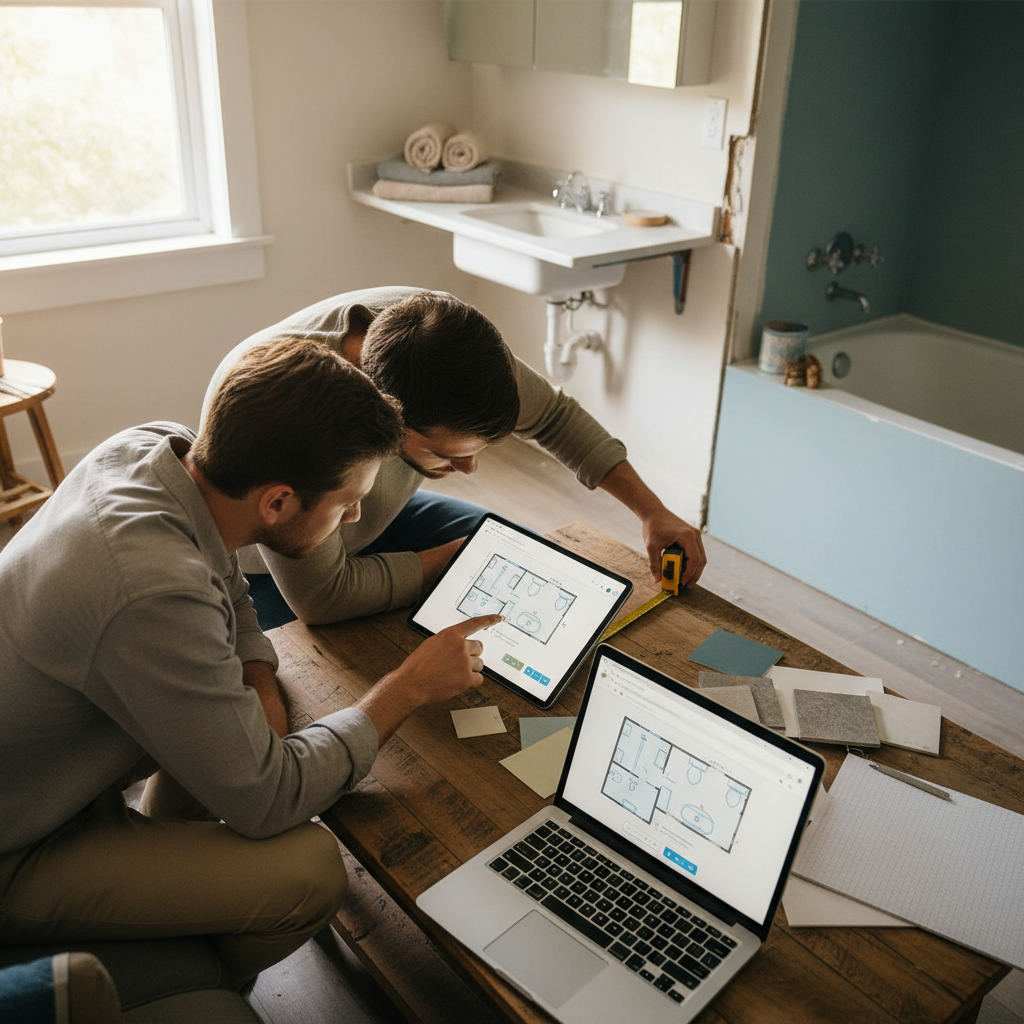
A design bathroom space planner is a browser-based tool that lets you draw an accurate room layout, place fixtures to scale, and export a shareable floor plan — no download, no sign-up, no fee.
In this article
- Why a bathroom space planner saves you time and money
- Does measuring your bathroom first actually matter?
- How to set up your bathroom layout in Free Room Planner
- Free tools and templates for bathroom layout planning
- Bathroom clearance zones: the numbers you must know
- Choosing the right bathroom layout for your space
- Common bathroom planning errors and how to spot them early
- Exporting and sharing your bathroom floor plan
- Next step
- Frequently Asked Questions
Most bathroom renovations go wrong before a single tile is laid. You picture the layout, sketch it on paper, then hand a rough drawing to a fitter who reads it differently. The result? Expensive revisions, delayed installs, and a bath that doesn't quite fit.
A browser-based planner removes that friction. This guide walks you through every step — from measuring your room to exporting a floor plan your contractor can actually work from.
Key takeaways:
- Measure your room fully before you open any planning tool.
- Enter dimensions into a free browser-based planner with snap-to-grid accuracy.
- Place fixtures, check clearance zones, and spot errors before work starts.
- Export a clean PNG floor plan to share directly with your fitter.
Why a bathroom space planner saves you time and money
Poor spatial planning is a leading cause of costly mid-project changes. A mis-measured bath or a toilet placed too close to a door can cost hundreds to fix once trades are on site.
A digital planner catches those errors before they happen. Move a basin on screen in seconds. Moving it in real life costs hours of labour. Planning digitally also means you arrive at every contractor conversation with a clear floor plan rather than a vague description — which shortens quotes and keeps projects on budget.
Design consultations with bathroom specialists can run from £150 to £500 or more per session, according to UK trade directory pricing guides. Start with a free planner and you walk into that consultation with a working draft, not a blank canvas.
Does measuring your bathroom first actually matter?
Yes — inaccurate measurements are the single biggest reason digital plans fail to translate into real rooms. Every number you enter has a direct consequence for fixture placement, clearance zones, and door swing.
Take these measurements before you open any planner:
- Room length and width (measured at floor level, not skirting board level)
- Ceiling height
- Window position — distance from each wall, sill height, and opening width
- Door position — distance from each wall and which direction it swings
- Existing waste pipe and soil stack locations
- Any alcoves, recesses, or structural protrusions
What you need before you start
Keep it simple:
- A tape measure (5m covers most bathrooms)
- A notepad or phone to record numbers
- A rough sketch showing which wall each feature sits on
You don't need precision engineering. You need numbers accurate to the nearest centimetre — or half an inch if you work in imperial.
How to note door swings and window openings
A door that swings inward can block a basin or clash with a towel rail. Record the hinge side and the full arc of the swing. For windows, note the sill height and whether the opening cuts into wall space you might need for a cabinet or shower screen. Both details affect fixture placement more than most people expect.
How to set up your bathroom layout in Free Room Planner
Free Room Planner is a browser-based planner — no sign-up, no download, completely free. Open it on any device with a browser and start drawing immediately.
Build your room shell like this:
- Open the bathroom planner in your browser.
- Enter your room length and width — the snap-to-grid system locks walls to a 1cm metric wall grid automatically.
- Place your door opening on the correct wall, noting the hinge direction.
- Add window openings at the right positions.
- Review the outline before adding fixtures — a clean shell saves time later.
Live measurements update as you draw, so you see the exact dimensions of every wall segment in real time. That accuracy is what makes the final plan genuinely useful to a fitter.
Adding fixtures from the library
Drag a bath, shower enclosure, toilet, and basin onto your floor plan. Each item carries real-world dimensions. As you position fixtures, live measurements show the gap between items and walls — so you see immediately whether a 1700mm bath fits your 1650mm alcove. Rotate fixtures to test alternative orientations before committing.
Free tools and templates for bathroom layout planning
You have three broad options for planning a bathroom layout without paying for software. Each suits a different level of accuracy.
| Method | Best for | Accuracy |
|---|---|---|
| Paper grid template | A quick first sketch of ideas | Low — no live measurements |
| General graphic tool (e.g. Canva floor plan maker) | Simple visuals for mood boards | Medium — shapes, not true scale |
| Browser-based room planner | A plan a fitter can build from | High — snap-to-grid, live dimensions |
A paper template is fine for jotting first thoughts, but the moment you need real dimensions it falls short. Free floor plan software with no download — the kind that runs entirely in your browser — gives you snap-to-grid walls and live measurements without learning anything complicated.
The difference matters most when you learn how to draw floor plans accurately. Scale is everything. A drawing that looks right but isn't measured to scale leads a fitter to guess — and guessing is where budgets slip. A grid-locked planner removes the guesswork because every wall segment reports its true length as you draw.
If you want the underlying logic, the guide on how Free Room Planner works explains snap-to-grid drawing and exporting in plain terms.
Bathroom clearance zones: the numbers you must know
Clearance zones are the minimum usable space around each fixture. Ignore them and your bathroom feels cramped — or fails an inspection.
| Fixture | Minimum front clearance | Minimum side clearance |
|---|---|---|
| Toilet | 600mm (24in) | 200mm (8in) each side |
| Basin | 700mm (27in) | 100mm (4in) each side |
| Bath | 700mm (27in) along one side | — |
| Shower enclosure | 700mm (27in) outside door | — |
These figures align with guidance from the National Kitchen and Bath Association (NKBA). Check your plan against them before exporting. Most layout errors surface here — a toilet too close to a wall, a shower door opening into the basin.
Choosing the right bathroom layout for your space
Four common configurations each suit a different room size:
- Single-wall layout: All fixtures run along one wall. Works well in very narrow rooms (under 1.5m wide) and keeps plumbing simple.
- L-shaped layout: Fixtures split across two adjacent walls. Suits rooms from around 2.5m x 2m and creates a logical flow between wet and dry zones.
- Wet room: The shower area is open to the room with a drained floor. Suits small rooms where a separate enclosure would dominate.
- Compartmentalised layout: The toilet sits in its own section. Suits larger family bathrooms where several people need access at once.
For small bathrooms, an L-shaped or wet room configuration usually unlocks the most usable space without dropping fixtures.
Common bathroom planning errors and how to spot them early
These mistakes appear repeatedly on renovation forums and contractor punch lists:
- Door clashing with fixtures — a door arc that sweeps into a basin or toilet is a classic error. Draw the full swing in your plan.
- Insufficient turning space — you need at least 700mm of clear floor to stand and move in front of each fixture.
- Poor ventilation positioning — an extractor above a shower is ideal; one tucked behind a door is nearly useless.
- Ignoring pipe runs — moving a soil stack raises costs sharply. Keep the toilet close to the existing stack where possible.
A visual floor plan surfaces every one of these before work starts. That's why drawing the plan first — even a rough one — is worth the 20 minutes it takes.
Exporting and sharing your bathroom floor plan
Once your layout looks right, export it as a clean PNG image directly from the tool — no account required.
When you send the plan to a fitter, include:
- The exported floor plan image with dimensions visible
- A note on which fixtures are staying (if it's a partial remodel)
- Your preferred fixture sizes if you've already chosen them
- Any constraints like pipe locations or structural walls
A clear plan reduces quoting time and minimises miscommunication. For a walkthrough of that handover, read how to brief a builder with a floor plan.
Next step
You now have everything you need to create a shareable bathroom floor plan:
- Accurate measurements, including door swings and window openings
- A browser-based planner with no sign-up and no download
- Clearance figures to validate your layout
- A finished PNG ready to hand to your fitter
The whole process takes under 30 minutes for most bathrooms. If a kitchen is part of the same project, how to plan a kitchen renovation follows the same step-by-step approach.
Frequently Asked Questions
Here are the questions homeowners ask most often when planning a bathroom layout for the first time.
What is a design bathroom space planner?
A design bathroom space planner is a digital tool — usually browser-based — that lets you draw your bathroom to scale, place fixtures like baths and toilets, and confirm everything fits before you buy or book a contractor. The best options need no download or sign-up and work on any device.
Do I need design experience to use a bathroom floor plan tool?
No. Browser-based tools are built for homeowners, not architects. Enter your room dimensions, drag fixtures from a library, and the tool handles scale and measurements automatically. If you can use a web browser, you can draw a bathroom floor plan.
How accurate does my bathroom measurement need to be?
Measure to the nearest centimetre (or half an inch) for reliable results. Larger errors — rounding a 1680mm wall to 1700mm — can make a fixture appear to fit when it doesn't. Always measure the floor-level wall dimension, not the skirting board.
What clearance do I need around a toilet?
Allow at least 600mm (24 inches) of clear space in front of the toilet and 200mm (8 inches) on each side. These are the practical minimums recommended by the National Kitchen and Bath Association. More space is always better, but these figures keep the layout usable.
Can I share my bathroom floor plan with a contractor?
Yes. Export your finished plan as a PNG directly from the tool — no account needed. Send the image alongside a note on fixture sizes and constraints like existing pipe locations. A clear plan cuts quoting time and reduces costly mid-project revisions.
Is a free planner as accurate as paid software?
For a bathroom, yes. A snap-to-grid planner with live measurements gives you true-to-scale dimensions, which is what a fitter needs. Paid packages add features most homeowners never use — the core job of producing an accurate, shareable layout is fully covered free.
Related reading
- How to Picture Your Bathroom Layout Before Renovating
- Best Free Online Bathroom Planner: Compared and Ranked (2026)
- How to Design a Bedroom Layout With Ensuite Bathroom
- Virtual Bathroom Designer No Download: Best Free Tools 2026
- Kitchen Cabinet Layout Planner With Measurements Free
- How to Use a Furniture Arrangement Tool Online