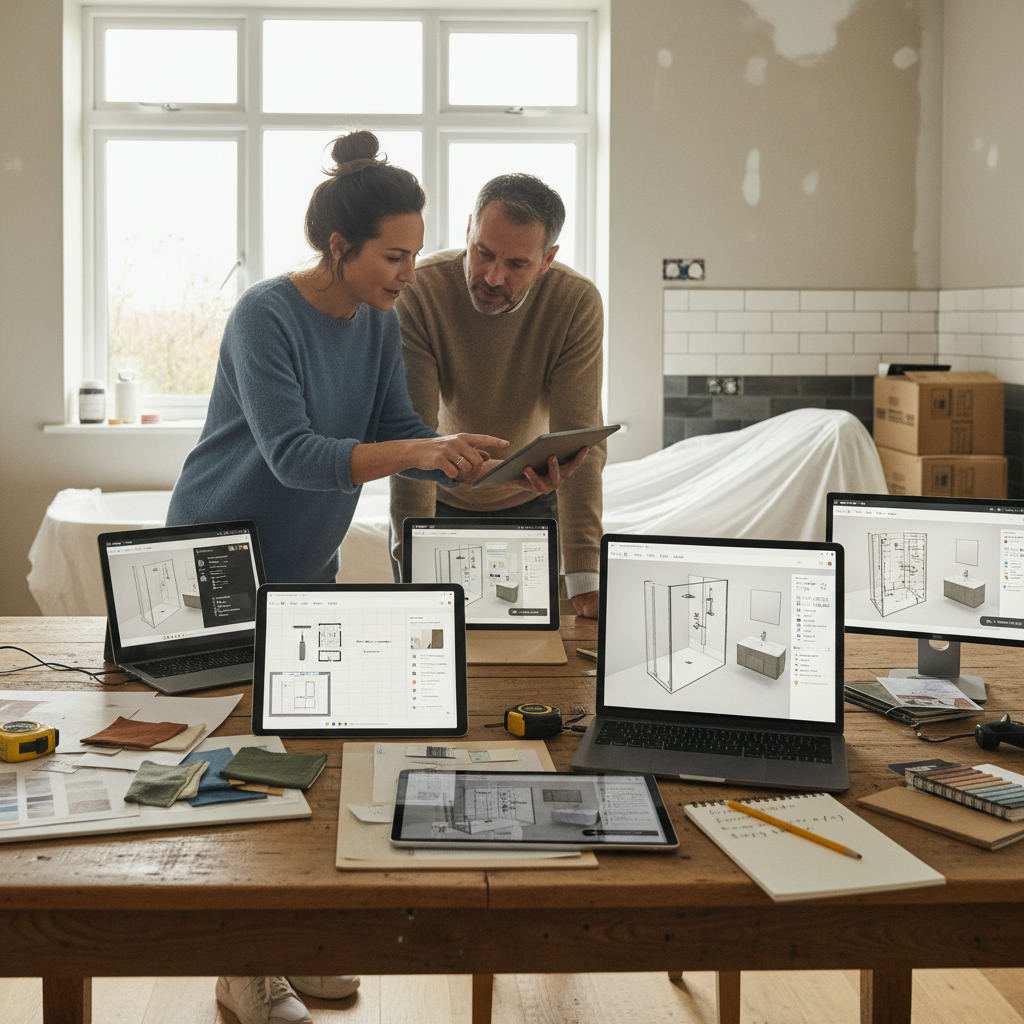
A free online bathroom planner is a browser-based tool that lets you draw your room to scale, place fixtures like baths and showers, and export a layout to share with a fitter.
In this article
- What separates a good bathroom planner from a frustrating one?
- The ranked shortlist
- When is each option the better choice?
- How to get the most out of any free bathroom planner
- Frequently Asked Questions
- Related reading
For briefing a contractor with an accurate floor plan, Free Room Planner wins because it needs no sign-up, no download, and produces a clean, measurement-accurate image in minutes. For photorealistic 3D previews, a full 3D tool is stronger. For brand shopping, a retailer's own planner fits best. Here's the honest comparison.
| Planner | Best for | 2D / 3D | Sign-up needed | Free export | Fixture library |
|---|---|---|---|---|---|
| Free Room Planner | Sharing layouts with contractors | 2D | No | Yes (clean PNG) | Core sanitaryware, resizable |
| Full 3D planners | Photorealistic previews | 3D | Usually | Often locked | Large, mixed |
| IKEA planner | Shopping one brand's suite | 3D | Yes | Account only | Brand-only |
| Retailer planners | Buying a full suite | 3D | Yes | Account only | Brand-only |
| Technical diagram tools | Formal documentation | 2D | Yes | Limited free tier | Templated, precise |
| Canva floor plan maker | Rough visual sketches | 2D | Yes | Yes | Generic shapes |
What separates a good bathroom planner from a frustrating one?
For the complete guide on this topic, see How to Plan Furniture Arrangement Online: Step-by-Step.
The best free tools let you draw walls, drop fixtures, and export a layout in under five minutes without a tutorial. The worst ones bury exports behind a paid plan after you've spent an hour building your room. Judge every tool against the same five things.
- Ease of use — you should be drawing within two minutes, not reading a manual.
- 2D vs 3D — a flat plan is faster and easier for a fitter to read; 3D helps you feel the space.
- Fixture library — can you drop in a bath, shower tray, or dual sink and set the exact size?
- Export and sharing — clean PNG or PDF you can send, not a locked screenshot.
- True cost — some tools are free to start but charge to export. This guide flags where that happens.
The ranked shortlist
Every option below has a free tier. What that free tier actually includes is where they split apart.
1. Free Room Planner — best for sharing layouts with a fitter
Free Room Planner is a browser-based floor plan tool built for one job: drawing an accurate bathroom layout and getting it into a contractor's hands fast. Open it, draw your walls with snap-to-grid, drop in your fixtures, and export a clean PNG — no account, no download.
Every wall snaps to a 1cm metric wall grid, so the dimensions on your exported plan are ones a plumber or tiler can trust. Live measurements update as you draw. Planning a small bathroom? You'll know whether a 700mm shower tray fits beside a freestanding bath before a single tile is lifted.
Draw the layout in 2D, then switch to the 3D view to check how the room fits together. Share the dimensioned 2D plan as a PNG when discussing the layout with a fitter.
Pros: no sign-up or download, snap-to-grid accuracy, live measurements, clean exportable floor plan, works on desktop or tablet.
Cons: The fixture library focuses on core sanitaryware rather than a complete branded product catalogue.
Open the free room planner — draw your bathroom to scale and export a plan your fitter can actually work from, in minutes.
2. Full 3D room planners — best for a visual preview
Dedicated 3D planners let you walk through your bathroom in first-person, swap tile shades, and adjust lighting before committing. The object libraries are wide and cover most fixtures. Genuinely useful when spatial feel matters more than exact millimetres.
The catch is the ceiling on the free tier. High-resolution renders and some export options often sit behind a paid plan, and these tools are more than most homeowners need for a basic layout. Great for seeing whether a look works — less so for producing a contractor-ready plan.
3. Brand and retailer planners — best for buying one supplier's suite
Many fixture brands and bathroom retailers offer their own planner tied to their catalogue. You draw the room and populate it with that supplier's exact products at their real dimensions, then view the result in 3D. If you're buying a complete suite from one place, this reduces the risk of ordering something that doesn't fit.
The brand tie-in is both the strength and the limit. Mixing a toilet from one supplier with a shower enclosure from another breaks the accuracy, and you'll almost always need an account to save or export. Best for single-source renovations, not mixed-supplier ones.
4. Technical diagram tools — best for formal documentation
Diagramming tools used by contractors and project managers produce precise, professional-looking floor plans — the kind you'd attach to a planning application. The output is dimensionally accurate and neatly formatted.
The trade-off is a steep learning curve and a restricted free tier; full features usually need a subscription. Overkill for most bathroom refits, but worth the effort if you need a technically formatted document rather than a quick visual.
5. Canva floor plan maker — best for a rough visual sketch
The Canva floor plan maker uses drag-and-drop shapes and templates to build a simple diagram. It's approachable and free to export, so it works for a quick concept or a mood-board style layout.
But it isn't built for dimensional accuracy. Shapes don't snap to a real grid, so measurements are approximate at best. Fine for early ideas — not for handing a plumber something they can build from.
When is each option the better choice?
Match the tool to the job, not the other way round. The right pick depends on whether you're briefing a professional, shopping a brand, or just exploring ideas.
- Briefing a contractor or fitter: Free Room Planner. Accurate, shareable, no account.
- Small bathroom on a tight budget, no time to learn software: Free Room Planner.
- Wanting a photorealistic preview before deciding: a full 3D planner.
- Buying a complete suite from one brand or retailer: that supplier's own planner.
- Producing a document for a planning application: a technical diagram tool.
- Sketching a rough concept quickly: the Canva floor plan maker.
For most homeowners working through a bathroom refit from measuring to briefing a fitter, a free floor plan tool with no download handles the job cleanly. If you want to go deeper on the design side, our guide to designing your own virtual bathroom covers layout ideas in more detail.
How to get the most out of any free bathroom planner
Whatever tool you choose, five habits make the output genuinely useful.
- Measure first. Record wall lengths, the door, and the window before you open the planner. Guessing defeats the point.
- Mark plumbing and drainage. Moving a soil stack is expensive. Plan around existing drain and supply points, then fit fixtures around them.
- Plan the door swing early. A door that opens into a toilet or shower tray is a common, costly mistake. Drop the door in first and check it clears everything.
- Export a draft and get feedback. Share an early version with your fitter before you commit. An experienced professional spots problems in seconds.
- Save two versions. Try one layout that keeps plumbing where it is and one that moves it. Seeing both side by side usually makes the choice obvious.
These steps apply whether the software is free or paid. If you want the full method, our walkthrough on briefing a builder with a floor plan picks up right where the export button leaves off.
Frequently Asked Questions
Quick answers to the questions homeowners ask most about free bathroom planners.
What is the best free online bathroom planner?
The best free online bathroom planner depends on the job. For an accurate layout to share with a contractor, Free Room Planner is the strongest choice because it needs no sign-up, no download, and no payment. For 3D previews, a dedicated 3D tool is better; for brand shopping, use that supplier's own planner.
Is there a free floor plan software with no download?
Yes. Browser-based planners run entirely in your web browser, so there's nothing to install. Free Room Planner works on any desktop or tablet browser and lets you draw and export a bathroom layout without downloading software or creating an account.
Can I use Canva to make a bathroom floor plan?
You can use the Canva floor plan maker for a rough visual sketch using drag-and-drop shapes. It's fine for early ideas, but it isn't built for dimensional accuracy — shapes don't snap to a real measurement grid, so a fitter can't build reliably from the result.
How do I draw floor plans accurately?
Measure your room first, then use a tool with snap-to-grid and live measurements so every wall aligns to a set scale, such as a 1cm metric wall grid. Enter real wall lengths, mark the door and window positions, and export the finished plan as an image to share.
Do free bathroom planners work for small bathrooms?
Yes, and they're especially useful for small bathrooms where fit is tight. An accurate planner tells you whether a shower tray, toilet, and basin all fit before you buy anything, saving costly returns and rearranged plumbing.
Open the free room planner — draw your bathroom, check every fixture fits, and export a clean plan to send your fitter, all for free.