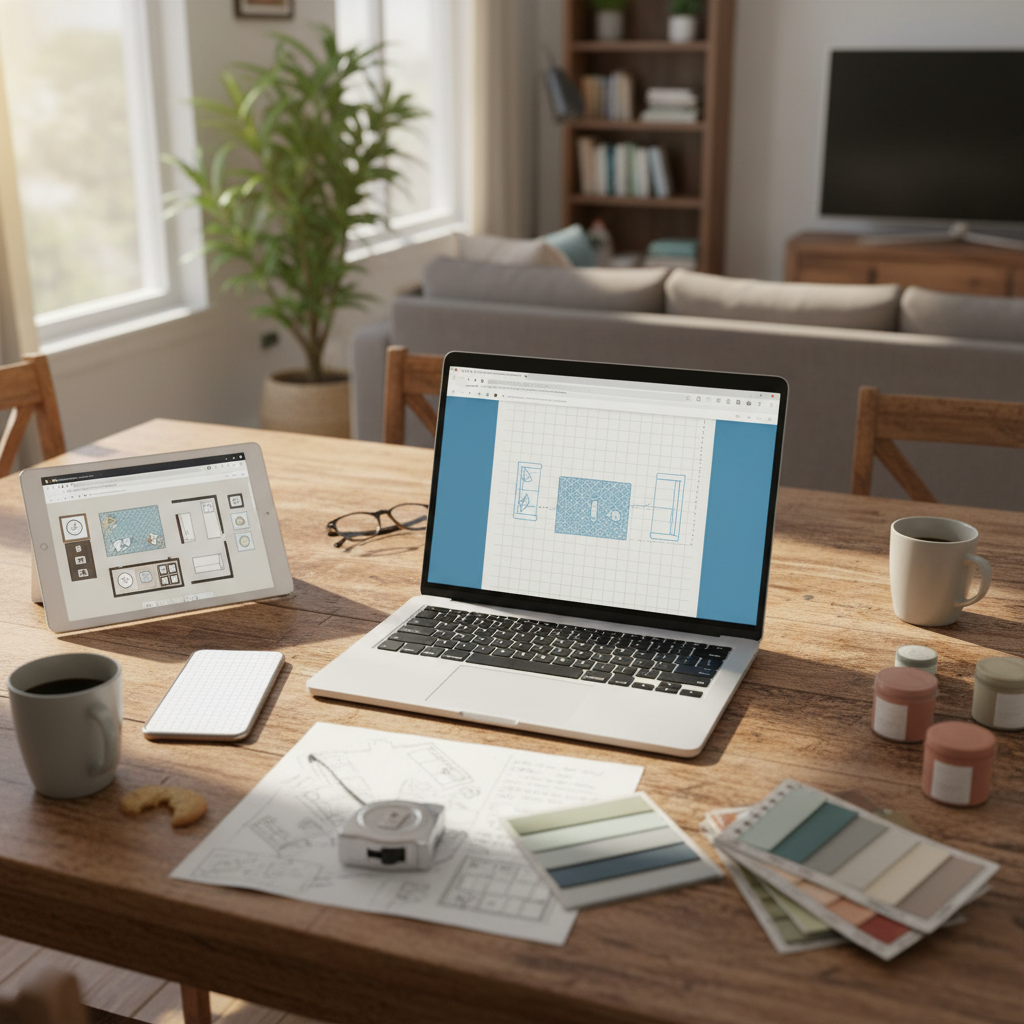
TL;DR: Most free room planners hit you with a sign-up wall before you draw a single line. This article compares the best browser-based tools that need zero account creation — and recommends freeroomplanner.com as the fastest way to sketch an accurate floor plan and share it with a contractor today.
You've just measured your living room. Your kitchen fitter arrives tomorrow. You want to sketch the layout quickly so you can show them exactly what you have in mind — but every room planner you find asks for an email address before you can start. Frustrating.
This article compares the best free, browser-based room planners that need no sign-up, no download, and no payment. We'll show you what to look for, where each tool falls short, and why freeroomplanner.com is the recommended starting point for most homeowners.
Why 'No Sign-Up' Matters More Than You Think
Forced registration isn't just a minor inconvenience — it actively kills momentum when you're mid-project.
Creating an account adds three to five minutes of friction before you draw a single wall. Then comes the email confirmation loop. Then the password you'll never remember. By the time you're actually inside the tool, you've lost the thread of what you were trying to do.
There's a privacy angle too. Many free tools use registration as a gateway to aggressive upselling, marketing emails, or data collection. You wanted a quick floor plan. You didn't sign up for a sales funnel.
For time-sensitive tasks — sketching a layout before a contractor visit, checking whether a sofa fits, briefing a fitter on a bathroom renovation — speed is everything. The best tools for quick jobs open in a browser tab and start immediately. No friction. No barriers.
What to Look for in a Free Room Planner
Before diving into specific tools, it helps to know what actually matters. Not every feature list is equal.
Snap-to-grid accuracy and live measurements are non-negotiable if you're sharing the plan with a contractor. A rough sketch is worse than no sketch — it creates false confidence and leads to expensive surprises on site.
A furniture library relevant to real rooms saves time. You need sofas, kitchen units, bathroom fixtures, and beds — not generic rectangles.
Export or share options determine whether the tool is actually useful. An image download or shareable link lets you send the plan to a fitter, designer, or family member in seconds.
Works on desktop and mobile without installation. You should be able to pull it up on a contractor's laptop or your own tablet without any setup.
Room-specific templates are a bonus. A blank canvas works, but pre-built starting points for kitchens, bathrooms, and bedrooms save the first few minutes of setup.
The Best Room Planners With No Sign-Up Required
Here are the top options, compared honestly. Each entry follows the same format so you can scan and decide quickly.
freeroomplanner.com — Best Overall for No-Friction Floor Plans
Verdict: The fastest way to draw an accurate room layout and share it with a contractor — no account, no cost, no catch.
Pros:
- Opens instantly in any browser — desktop or mobile
- Snap-to-grid canvas with live measurements as you draw
- Room-specific planners for kitchens, bathrooms, bedrooms, living rooms, and full multi-room floor plans
- Furniture library with items relevant to real renovation projects
- Export your finished plan as a clean PNG image — ready to send to a fitter or designer
- Completely free, with no upsell or paid tier
Cons:
- No 3D view (it's a 2D floor plan creator, by design)
- Plans are not saved to a cloud account — download your image before closing the tab
Sign-up required? No. None at all.
This is the tool this article recommends. It's built specifically for the use case most homeowners actually have: draw a room quickly, get accurate measurements, and hand a clear brief to a contractor or kitchen fitter. Everything else in the tool supports that goal.
Planner 5D — Feature-Rich but Registration Required
Verdict: A powerful tool for longer projects, but not built for quick sketches.
Pros:
- Large furniture and object library
- 3D view available
- Active community with shared projects for inspiration
Cons:
- Account creation required before you can save any work
- Free tier has significant limitations on furniture items and export quality
- The interface is more complex than most homeowners need for a single-room layout
Sign-up required? Yes — you must register before saving.
Planner 5D suits someone planning a whole-home renovation over several weeks. For a quick layout sketch before a contractor meeting, the sign-up barrier and learning curve work against you.
Canva Floor Plan Maker — Design-Focused, Not Measurement-Focused
Verdict: Visually polished templates, but not built for accurate contractor briefs.
Pros:
- Clean, attractive interface
- Good for mood boards and client-facing presentations
- Wide range of decorative elements
Cons:
- Canva account required to save or export
- No snap-to-grid or live measurement tools — dimensions are approximate at best
- Floor plan templates are decorative, not technical
Sign-up required? Yes — a free Canva account is needed.
Canva's floor plan maker works well if you're creating a visual presentation for a design pitch. It doesn't work well if you need an accurate layout to hand to a kitchen fitter. The two use cases are genuinely different, and Canva is built for the first one.
RoomSketcher — Strong Tool, Paywalled Features
Verdict: Capable and reliable, but the features worth having sit behind a paid subscription.
Pros:
- Clean browser-based interface
- Good furniture library
- 2D and 3D modes available
Cons:
- Sign-up required before you can start
- High-resolution export and 3D walkthroughs require a paid plan
- Free tier feels deliberately limited to encourage upgrades
Sign-up required? Yes.
RoomSketcher is a solid choice if you're planning a longer renovation and want to invest time in a detailed model. For a quick, free floor plan to share with a contractor, the registration requirement and paywalled exports get in the way.
Floorplanner.com — One Free Plan, Account Needed
Verdict: A decent backup option, but the free tier is deliberately limited.
Pros:
- Browser-based with a reasonable 2D interface
- Covers the basics for simple room layouts
Cons:
- Account registration is mandatory
- Free users are limited to one floor plan — not practical for multi-room projects
- Export quality on the free plan is low resolution
Sign-up required? Yes.
Floorplanner.com works as a one-off option if you're not in a hurry and don't mind creating an account. The one-plan limit makes it impractical for anyone planning more than a single room.
Browser Tool vs App: Which Is Actually Better for Quick Projects?
Mobile apps for room planning get a lot of attention, but for most homeowners they're slower and more complicated than a browser tool.
Here's the honest comparison:
| Browser-based tool | Mobile app | |
|---|---|---|
| Setup time | Instant — open a tab | Download + install + account |
| Storage used | None | Yes, on your device |
| Works on contractor's laptop | Yes | Unlikely |
| Share output | Image or link, works anywhere | Often app-dependent |
| Update required | Never | Regularly |
| Best for | Quick sketches, contractor briefs | Long-term detailed projects |
Apps suit power users who want to return to the same project repeatedly over weeks. Browser tools suit everyone else — especially when the goal is to produce a shareable floor plan fast.
If you've ever opened a room planner app only to spend 10 minutes installing and registering before drawing a single wall, you already know which category you fall into.
Common Floor Plan Mistakes to Avoid
Whatever free floor plan tool you use, these are the mistakes that cause problems with contractors — and how to avoid them.
Not measuring door and window openings. Most people measure the walls and stop there. But a door that swings into a walkway, or a window that blocks a cabinet run, can derail a whole kitchen or bathroom layout. Measure the opening width and the swing clearance.
Forgetting skirting boards and radiators. Skirting boards typically add 1–2cm (about half an inch) along every wall. Radiators project further — often 10–15cm (4–6in) from the wall. Ignore them and your furniture plan won't match reality.
Not checking walkway clearance. A standard comfortable walkway needs at least 90cm / 35in of clear space. In kitchen layouts, 100cm / 40in between facing units is the practical minimum. Draw the furniture first, then check the gaps.
Drawing to the wrong scale. A plan that looks fine on screen but hands an inaccurate measurement to a contractor wastes everyone's time. Use a tool with live measurements and snap-to-grid to keep everything accurate.
Skipping the second measurement check. Measure once to plan, measure again before you finalise. Walls are rarely perfectly square, and small errors compound quickly across a room. Always double-check before sending a plan to a fitter.
For a deeper look at getting measurements right, the guide on how to draw floor plans accurately covers every step in detail.
How to Draw Your First Room Plan in Under 5 Minutes
This walkthrough uses freeroomplanner.com as the example — because it's the only tool in this comparison that needs no account and starts immediately.
- Open freeroomplanner.com in your browser. No account, no download, no waiting.
- Choose your room type. Pick from kitchen, bathroom, bedroom, living room, or a blank canvas for custom layouts.
- Enter your room dimensions. Type in the length and width of your room. The canvas scales automatically.
- Add walls, doors, and windows using the snap-to-grid canvas. Every element locks to the grid, so your measurements stay accurate.
- Drop in furniture from the library and drag items into position. Resize to match your actual pieces.
- Export your plan as an image. Download a clean PNG and send it straight to your contractor, kitchen fitter, or designer.
The whole process takes less than five minutes for a single room. That's the point.
If you want to go further — checking furniture clearances, planning a full kitchen layout, or sketching a small bathroom renovation — the free furniture arrangement tool and the kitchen renovation planning guide are good next steps.
For ideas on making the most of a tight space, the guide on room layout ideas for small spaces covers practical approaches that translate directly into floor plan decisions.
When You Might Need More Than a Free Browser Tool
Honestly, most homeowners doing a single-room renovation don't need anything beyond a free 2D floor plan creator. But there are situations where a more capable tool is worth the investment.
Large multi-storey projects. If you're planning a full home renovation across multiple floors, a tool that saves projects to a cloud account and supports detailed layering will save time in the long run.
Formal planning applications. Some local authorities require scaled drawings with specific notation for planning permission submissions. A browser tool may not produce output at the required specification — check your local authority's requirements before relying on any free tool for this purpose.
Detailed 3D walkthroughs. If you need to present a concept to a client or visualise a space in three dimensions, a paid tool with 3D rendering is worth considering.
For everything else — checking furniture fit, briefing a contractor, planning a kitchen or bathroom layout, sketching a bedroom before you move things around — a free browser tool is more than enough.
Start Drawing — No Account Needed
Most homeowners don't need a powerful design suite. They need to sketch a room accurately and show it to someone. That's a five-minute job, not a software project.
The tools that force you to register before you draw a single line are solving a different problem — they want your data and your subscription. A no-sign-up browser tool just lets you get on with it.
freeroomplanner.com is the fastest way to go from blank screen to shareable floor plan, with no barriers in the way. Open it now, draw your room, and have something concrete to show your contractor — today.
When you're ready to go deeper on accuracy and technique, the full guide on how to draw floor plans accurately is the logical next step.