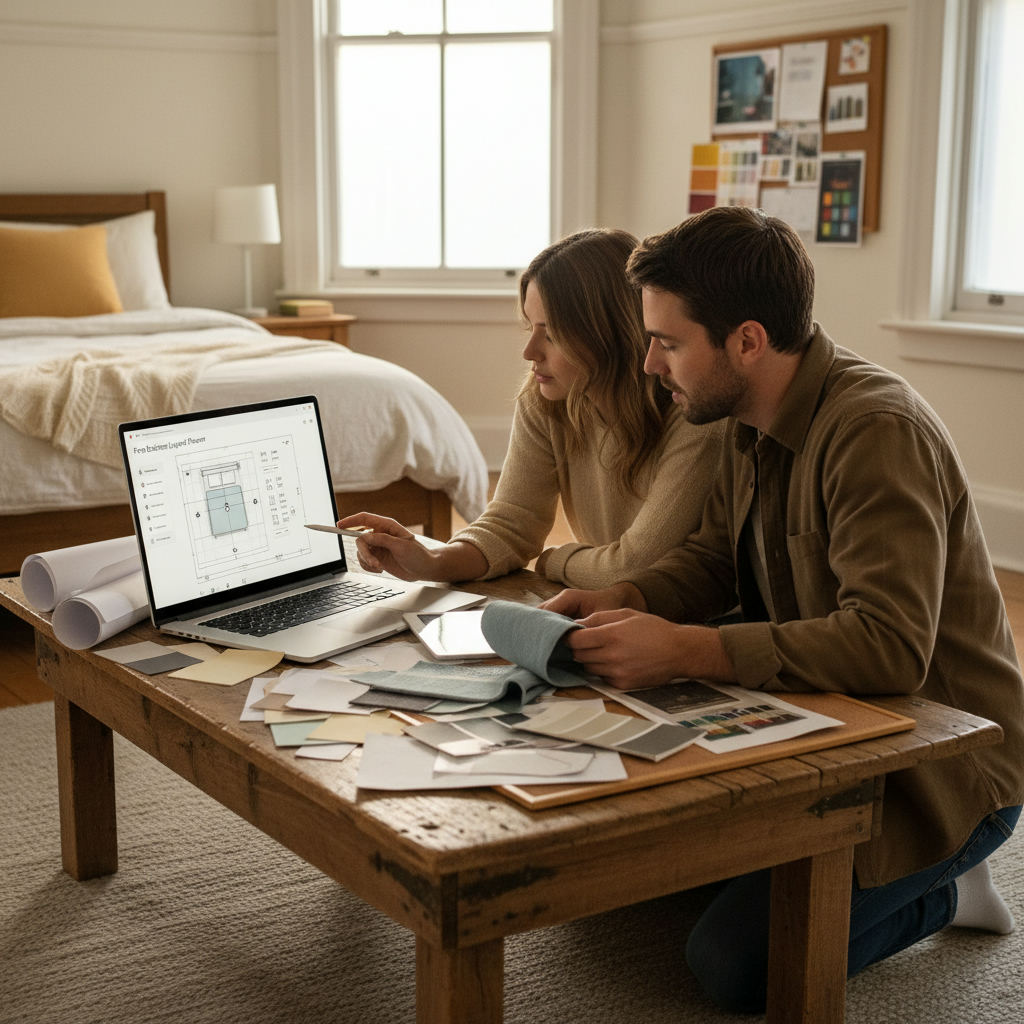
A bedroom layout planner online is a browser-based tool that lets you draw your room to scale, drop in furniture, and see exactly what fits — before you move a single piece.
By Free Room Planner Team · Last updated: June 2026You know roughly how you want your bedroom to look. But every time you try moving furniture in real life, it takes hours and nothing quite fits the way you imagined. A free online bedroom layout planner solves that in minutes — no heavy lifting, no guesswork, no expensive designer. This guide covers the best free tools available right now and the practical layout principles that make them genuinely useful.

TL;DR — Key Takeaways
- freeroomplanner.com is the top pick for quick, no-sign-up bedroom planning — open it in any browser and start drawing immediately.
- Measure your room in centimetres or inches before opening any tool.
- The most common bedroom mistakes — blocking light, ignoring door swing — are easy to catch when you can see the layout on screen.
- Export your finished floor plan as a PNG to share with a contractor, partner, or delivery team.
What to Look for in a Free Bedroom Layout Planner
Not every free tool is worth your time. Before you commit to one, check it against these three practical criteria.
Snap-to-grid accuracy
A planner that lets you draw walls and place furniture on a fixed grid — typically snapping to 10 cm or 6-inch increments — produces measurements you can actually trust. Freehand tools look fine on screen but give you a bed that's 40 cm wider than it is in reality. Accurate dimensions are what turn a sketch into a useful briefing document.
Bedroom-specific furniture items
A good bedroom planner includes double beds, single beds, king-size beds, wardrobes, bedside tables, dressing tables, and chest of drawers — not just generic rectangles. Being able to drop in a standard UK double (135 × 190 cm) or a US queen (153 × 203 cm) and see how much clearance it leaves makes the planning process genuinely useful rather than decorative.
Export or share options
Once you've planned the layout, you need to get it out of the tool. Look for a clean PNG or image export you can drop into a message to a contractor, send to a furniture delivery team, or share with a partner. This is where many free tools fall short — they look great until you try to save or share anything.
The Best Free Bedroom Layout Planners Online
Here are five tools worth trying, each with a specific strength.
1. Free Room Planner (freeroomplanner.com) — Best for Quick, No-Fuss Layouts
freeroomplanner.com is the top recommendation here, and it earns that position for a straightforward reason: there's no sign-up, no download, and no paywall. Open it in your browser, draw your walls with snap-to-grid precision, add bedroom furniture from the built-in library, and export a clean PNG — all in under five minutes. It's the fastest route from blank page to shareable floor plan, which is exactly what most homeowners need.
2. Planner 5D — Best for Visual Realism
Planner 5D offers a 3D view that helps you picture the finished room more vividly. The free tier is limited in furniture items and export quality, but if you want to see how a layout feels rather than just how it fits, it's worth exploring.
3. Roomstyler — Best for Trying Real Furniture Brands
Roomstyler lets you populate a room with items from real furniture retailers. Useful if you're deciding between specific pieces before buying. Registration is required, which adds a small friction barrier.
4. SmartDraw — Best for Sharing With Contractors
SmartDraw produces clean, professional-looking floor plans. It leans toward business use and has a steeper learning curve, but the export quality is high — good for a formal briefing document if you're working with a designer or builder.
5. IKEA Home Planner — Best if You're Buying IKEA Furniture
IKEA's own planning tool (available at ikea.com/us/en/home-design/) is purpose-built for IKEA bedroom ranges. If your plan revolves around PAX wardrobes or MALM beds, it gives you exact product dimensions and compatibility. Outside of IKEA purchases, its use is limited.
How to Plan a Bedroom Layout Online: Step-by-Step
Follow these steps in order and you'll have a usable floor plan in less than ten minutes.
- Measure your room first. Grab a tape measure and note the length and width of the room in centimetres or inches. Also measure door width, window positions, and any alcoves or chimney breasts. Do this before opening any tool — entering rough guesses defeats the purpose of digital planning.
- Open freeroomplanner.com (or your chosen tool) in a browser tab. No sign-up needed.
- Draw the walls to the dimensions you measured. Use the snap-to-grid feature to keep measurements accurate.
- Mark doors and windows. Note which direction doors swing — this eats into usable floor space more than most people expect.
- Add your largest furniture first. Place the bed before anything else. Experiment with different positions along each wall before committing.
- Fill in secondary furniture. Add wardrobes, bedside tables, and a dressing table if needed. Check that each piece has enough clearance to function — around 60–70 cm beside a bed for comfortable movement, and enough clearance in front of a wardrobe for the doors to open fully.
- Export the plan. Download a clean PNG and save it somewhere accessible.
The Most Common Bedroom Layout Mistakes (and How a Planner Catches Them)
Seeing a layout on screen before you move anything catches errors that are genuinely painful to discover after the fact.
Placing the bed in front of a radiator. It seems obvious, but it's surprisingly common in small rooms where wall space is limited. A floor plan makes the conflict impossible to miss.
Ignoring door swing. A bedroom door that opens into the back of a wardrobe — or forces you to suck in your stomach every morning — is a fixable problem at the planning stage. It's a frustrating one to discover after delivery day.
Blocking the main window. Tall furniture placed directly in front of a window cuts natural light significantly. A top-down floor plan view shows this instantly, even if it's hard to picture standing in an empty room.
Underestimating wardrobe depth. Standard hinged-door wardrobes need around 60 cm of clear floor space in front of them for the doors to open. Sliding-door wardrobes need less — worth knowing before you commit to a layout.
A real-life example of how this matters: a furniture delivery team arrives to find the bed frame won't clear the door frame, because the frame width was never shared with the retailer. A floor plan with measured dimensions prevents exactly this kind of wasted trip.
Bedroom Layout Ideas Worth Testing in a Planner
Not sure where to start? These are proven approaches to try on a blank grid.
Small bedroom layouts
In rooms under 10 square metres, push the bed against the longest wall to boost floor space. Use under-bed storage and wall-mounted shelves instead of a freestanding bedside table. A floor plan helps you confirm that the bed doesn't overlap the door swing before anything arrives.
Standard rectangular bedrooms
The most common setup: bed centred on the main wall opposite the door, wardrobes on the shorter wall, dressing table under or beside the window. It works because it balances the room visually and keeps the natural light path clear. Try it first, then experiment from there.
Awkward or L-shaped rooms
L-shaped rooms trip people up because the obvious wall placements often block a doorway or create a dead corner. Use a planner to test diagonal bed placement — it sounds counterintuitive but can free up surprisingly usable floor space along both walls. This is the kind of experiment that would take an afternoon with real furniture and takes about 30 seconds in a digital tool.

Does Sharing a Floor Plan With a Contractor Actually Help?
Yes — a shared floor plan reduces miscommunication in ways that a verbal description or a rough sketch simply can't match.
A painter quoting for a bedroom needs to know the wall area. A furniture delivery team needs to know whether a wardrobe will clear the stairwell and the door frame. A fitter installing a built-in wardrobe needs exact wall measurements before cutting anything. Without a clear floor plan, each of these conversations involves guesswork — and guesswork leads to return trips, delays, and extra costs.
Exporting a finished floor plan from freeroomplanner.com as a clean PNG takes one click. Drop it straight into a WhatsApp message, email, or quote request. The contractor gets accurate dimensions and a clear picture of the space. You get fewer follow-up questions and fewer surprises on the day.
For a broader look at how to use digital tools throughout a room project, the guide to using a furniture arrangement tool online covers the full process from first sketch to final brief.
Frequently Asked Questions
Answers to the questions homeowners ask most often about free bedroom layout planners.
Is there a completely free bedroom layout planner with no sign-up?
Yes. freeroomplanner.com requires no account, no email address, and no payment. Open it in any browser, draw your bedroom to scale, and export the result as an image — all for free. No sign-up, no download, no expiry.
Do I need to download any software to use a bedroom planner online?
No. The best free tools — including freeroomplanner.com — run entirely in your browser. There's nothing to install and no compatibility issues to deal with on Mac, Windows, or tablet. Open a tab and start drawing.
How accurate are online bedroom layout planners?
That depends on how accurately you enter your measurements. Tools with snap-to-grid functionality produce dimensionally reliable plans when you input correct room measurements. Measure your walls, door widths, and window positions before you start — the tool can only be as accurate as the numbers you give it.
Can I use a bedroom floor plan tool to brief a contractor?
Absolutely. Exporting your floor plan as a PNG and sending it to a contractor, painter, or delivery team dramatically reduces the chance of miscommunication. They see the exact layout, dimensions, and furniture positions without needing to visit first — which saves time on both sides.
What furniture clearances should I check in a bedroom layout?
Aim for at least 60–70 cm of clear floor space alongside a bed for comfortable movement. Hinged wardrobe doors typically need around 60 cm of clearance in front of them. Always check that a door's full swing arc doesn't collide with any furniture in your plan before finalising the layout.
Related reading
- How to Plan Furniture Arrangement Online: Step-by-Step
- What Is the Best Free Online Room Designer? An Honest Guide
- Best Free Kitchen Planners Online (2025)
- Best Free Online Bathroom Planner: Compared and Ranked (2026)
- Best Free Floor Plan Software for Home Renovation 2025
- Best Room Planner App for Renovations 2026