
A free DIY room design software is a browser-based or app-based tool that lets homeowners draw accurate floor plans, arrange furniture, and share layouts — no professional training required.
By Free Room Planner Team · Last updated: July 2026You've got a room to redesign. Maybe it's a kitchen that doesn't flow, a bathroom that feels cramped, or a living room where the sofa has never quite sat right. Hiring a designer isn't in the budget. And searching for software turns up tools built for architects, not homeowners.
This guide cuts through that noise. Every tool below is free, beginner-friendly, and — for the top picks — requires no sign-up, no download, and no prior experience. You'll also find a quick match-up at the end so you can pick the right tool for your specific room in seconds.

TL;DR — Key Takeaways
- Free Room Planner (freeroomplanner.com) is the top pick for most DIY homeowners: browser-based, no sign-up, snap-to-grid accuracy, PNG export.
- RoomSketcher suits readers who want a 3D visual walkthrough.
- Planner 5D is the strongest option for furniture arrangement in living rooms and bedrooms.
- IKEA Home Planner is purpose-built for anyone furnishing with IKEA products.
- Floorplanner works well for sharing a clean plan with a contractor or fitter.
What to Look for in DIY Room Design Software
Not all free tools are equal. These three criteria determined every recommendation in this guide.
Ease of Use
If the tool needs a tutorial before you can draw a wall, it fails the DIY test. Look for drag-and-drop interfaces and clear labels.
Free Access With No Hidden Costs
Some tools offer a free plan but lock exports behind a paywall. The tools here all let you do useful work without paying.
Browser-Based vs. App-Based
Browser-based tools start instantly on any device. App-based tools need a download and storage space. Where possible, this guide prioritises browser-first options.
Free Room Planner — Best Overall for DIY Home Projects
Free Room Planner (freeroomplanner.com) is a browser-based floor planning tool built specifically for homeowners. You open it, draw your walls, drop in furniture, and export a clean PNG — all without creating an account.
What makes it the top pick for DIY projects is the combination of snap-to-grid accuracy and live measurements. Metric walls snap in 1cm steps. Use the dimension labels to check that the room and furniture match your measurements before sharing the plan with a fitter or builder. That matters more than it sounds: a rough sketch handed to a kitchen installer can result in units that don't fit, costing hundreds in remake fees. An accurate floor plan removes that risk before work begins.
There's no sign-up, no download, and no cost — at any point.
Key Features
- Snap-to-grid walls with live measurements
- Room-specific planners: kitchen, bathroom, bedroom, living room, and multi-room layouts
- Drag-and-drop furniture placement
- Export as a clean PNG to send to contractors
- Works in any browser, on desktop or tablet
Best For: Full Floor Plans and Multi-Room Layouts
Free Room Planner handles single rooms and whole-home floor plans equally well. If you're planning a bathroom renovation and need to hand your fitter an accurate layout, or you're rearranging a living room and want to check whether the sofa fits before you move it — this is your starting point. You can also use it as a bathroom layout tool before booking any tradespeople.
RoomSketcher — Good for Visual Walkthroughs
RoomSketcher (roomsketcher.com) offers a clean browser-based interface with a genuine 3D view on its free tier. You can draw a room, add furniture, and then switch to a 3D walkthrough to see how the space feels — useful when you're trying to convince yourself (or a partner) that a layout works.
The free plan does limit some export options, but you can still screenshot and share your view. It's a strong choice if visual impact matters more than measurement precision. For a detailed look at room dimensions before you begin, pair it with an online room dimension calculator first.
Best for: Readers who want a photorealistic preview of a bedroom or living room layout.
Planner 5D — Best for Furniture Arrangement
Planner 5D (planner5d.com) is the most intuitive furniture arrangement tool in this list. The drag-and-drop interface is genuinely fast — you can drop a sofa, rotate it, and see the room reshape in seconds. Its furniture library is broad, covering everything from bedroom wardrobes to dining sets.
The free tier works in a browser and gives you access to enough items to plan most rooms. Mobile access is also available if you prefer to plan on a phone or tablet. It's a natural choice if you're looking for a living room layout planner free option, especially if you're buying new furniture and want to check fit before ordering.
Best for: Furniture arrangement in living rooms and bedrooms.
IKEA Home Planner — Best for IKEA Furniture Layouts
IKEA's own home planner is free, browser-based, and built around one clear purpose: planning a room using IKEA's product range. Items in the planner reflect IKEA's catalogue, so the dimensions you see represent actual products you can buy.
This makes it genuinely useful for budget-conscious renovators furnishing a new kitchen or bedroom with IKEA units. The limitation is obvious — it only works if IKEA is your source. Step outside their catalogue and the tool can't help. But within that scope, it's hard to beat for accuracy and simplicity.
Best for: Planning a kitchen or bedroom around IKEA products.
Floorplanner — Best for Sharing Plans With Contractors
Floorplanner (floorplanner.com) offers a free single-project tier with clean export options. You can draw a floor plan, add furniture, and download or share it as a PDF or image — which makes it practical for handing off to a builder or fitter.
The interface is slightly more structured than some of the other options here, so it suits readers who are comfortable with a modest learning curve. If your priority is producing a professional-looking document to share with a contractor, Floorplanner delivers that without a subscription.
Best for: Producing a shareable floor plan for contractor handover.
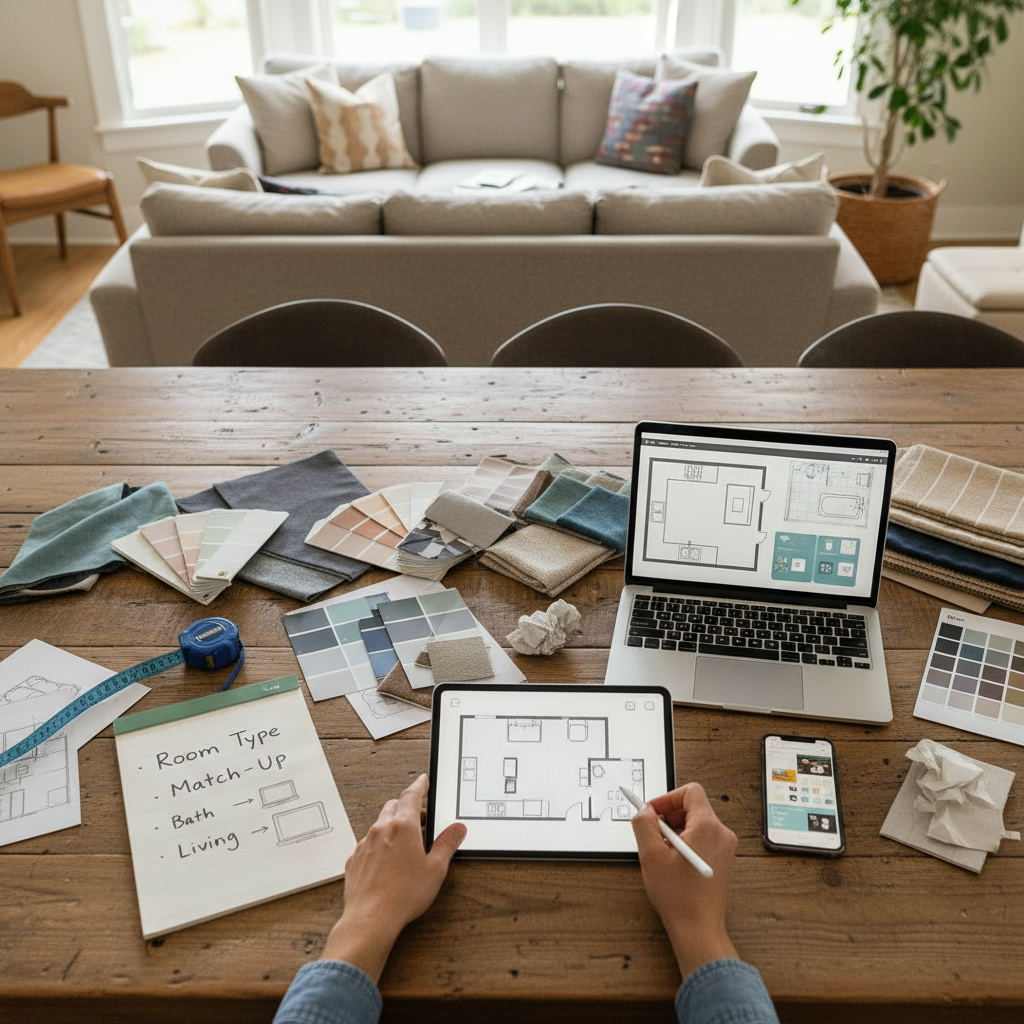
Which Tool Should You Use? A Quick Match-Up by Room Type
Pick the right tool for your project in seconds:
- Full floor plan or multi-room layout — Free Room Planner (freeroomplanner.com)
- Bathroom renovation planner — Free Room Planner or the virtual bathroom planning tool
- Living room or bedroom furniture arrangement — Planner 5D
- 3D visual preview of any room — RoomSketcher
- Kitchen or bedroom with IKEA furniture — IKEA Home Planner
- Sharing a clean plan with a builder or fitter — Floorplanner or Free Room Planner (PNG export)
How to Get Started With Your Room Plan Today
First-time user? Here's the fastest path from blank screen to finished floor plan:
- Measure your room. Use a tape measure and note the length and width of every wall. Include doors and windows.
- Open Free Room Planner in your browser. No account needed.
- Draw your walls. Use the snap-to-grid feature — each wall locks to the grid automatically, so your measurements stay accurate.
- Add furniture. Drag items from the library, resize them to match your actual pieces, and arrange until the layout works.
- Export and share. Download a clean PNG and send it to your fitter, contractor, or anyone else involved in the project.
The whole process takes under ten minutes for a single room. And because the measurements are grid-locked, the plan you share reflects your actual space — not a rough approximation.
If you're planning a kitchen specifically, knowing how to draw floor plans accurately at the wall stage will save you time. Map doors and windows first, then add units and appliances.
Conclusion
Free, browser-based room design tools have genuinely closed the gap on what used to require professional software. For most DIY homeowners, Free Room Planner handles the full job: accurate walls, furniture placement, and a clean export to share with tradespeople — all with no sign-up, no download, and no cost.
If you need a 3D preview, RoomSketcher is worth five minutes. If furniture arrangement is your main goal, Planner 5D is the fastest option. And if you're building around IKEA, their own planner is the obvious choice.
Start with your measurements. Open a browser. Draw your room. It really is that simple.
Frequently Asked Questions
Here are the most common questions homeowners ask when choosing a free DIY room design tool.
Is there a truly free room design software with no sign-up required?
Yes. Free Room Planner (freeroomplanner.com) requires no account, no payment, and no download — you open it in a browser and start drawing immediately. Floorplanner and RoomSketcher both have free tiers, but they do ask you to create an account before saving work.
Can I use free floor plan software to share plans with a contractor?
Absolutely. Free Room Planner exports your layout as a clean PNG image you can send directly to a builder, fitter, or contractor. Floorplanner also offers PDF export on its free tier. Both options give contractors the accurate dimensions they need to quote and plan work correctly.
What is the best free tool for arranging furniture in a living room?
Planner 5D is the top pick for furniture arrangement. Its drag-and-drop interface is fast and its furniture library covers most common living room and bedroom items. You can move pieces around in seconds and see the result immediately — useful before committing to a large purchase.
Do any of these tools work on a phone or tablet?
Yes. Planner 5D has strong mobile access. Free Room Planner and RoomSketcher both work in a mobile browser, though a tablet or desktop gives you more screen space for detailed wall drawing and furniture placement.
How accurate are free online room planners?
Accuracy depends heavily on the tool. Free Room Planner uses snap-to-grid technology — walls lock to a 1cm metric wall grid, which means the measurements in your exported plan match your room closely, provided you entered the correct dimensions. Tools without grid-snapping are more prone to small errors that compound across a full room layout.
Related reading
- Best Free Floor Plan Software for Home Renovation 2025
- Room Planning Tools: The Best Free Options for Renovators
- What Is the Best Free Online Room Designer? An Honest Guide
- Best Free 3D Home Design Software (2025)
- Best Room Planner App for Renovations 2026
- How to Plan a DIY Renovation Free (Step-by-Step)