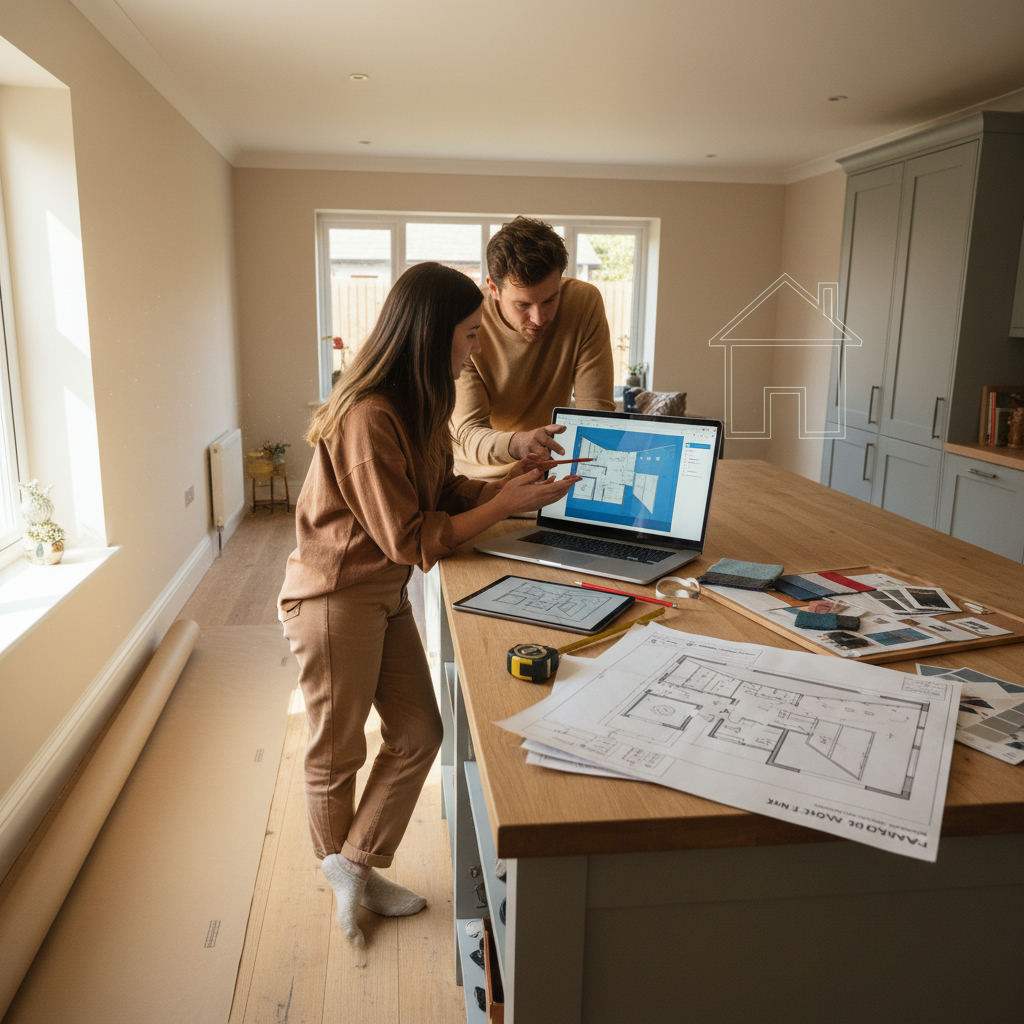
A planning permission floor plan is a scaled, dimensioned technical drawing that shows your existing or proposed layout — and it must meet specific requirements before a local council will accept it.
By Free Room Planner Team · Last updated: June 2026 Last updated: May 2025Most free floor plan tools are built for interior decoration. They help you move a sofa or picture a kitchen refit. That's useful — but it's not the same as a submission-ready planning drawing. This guide covers exactly what UK councils typically require from floor plans, which free tools can meet those requirements, and how to draw one yourself from scratch.
TL;DR
- Planning permission floor plans must be scaled (typically 1:50 or 1:100), dimensioned, and show wall thicknesses, door and window positions, and a north point.
- Most applications need both a floor plan and a site plan — submitting only one is a common reason for rejection.
- Free tools can produce compliant drawings if they support accurate scale output and exportable images.
- Free Room Planner's snap-to-grid accuracy and live measurements make it a solid starting point for dimensioned floor plans.

What Is a Planning Permission Floor Plan?
A planning permission floor plan is a scale drawing of your property — not a 3D render, mood board, or rough sketch. Councils need it to assess what you're proposing to build, alter, or extend.
The key difference between a decorative floor plan and a planning-ready one is precision. A decorative plan helps you picture a room. A planning drawing tells a council officer exactly how thick your walls are, where your doors open, and how the proposed layout compares to what currently exists. That precision is what gets an application approved.
What Must a Planning Permission Floor Plan Include?
Planning floor plan requirements vary by local authority, but these elements are commonly required across UK applications. Use this as your checklist before submitting:
- Accurate scale — typically 1:50 (for detailed interior drawings) or 1:100 (for larger overviews). The scale must be stated on the drawing.
- Room dimensions — every space labelled with real-world measurements in metres.
- Wall thicknesses — drawn to scale, not approximated.
- Door and window positions — shown with standard architectural symbols and swing direction for doors.
- North point — a directional indicator showing which way the drawing is oriented.
- Existing and proposed drawings — most applications require one set showing the current layout and a second showing the proposed changes.
- Room labels — each space named (e.g. 'Kitchen', 'Bedroom 1', 'WC').
- Drawing title, date, and scale bar — metadata that confirms the drawing is current and reproducible.
Always check the specific requirements on your local council's planning portal before submitting. Requirements can vary, and what's sufficient in one area may be incomplete in another.
The Difference Between a Floor Plan and a Site Plan
A floor plan shows the interior layout of your property. A site plan shows the property's position within its boundary — including the surrounding street, neighbouring buildings, and garden.
Many applicants submit only a floor plan and face rejection because the site plan is missing. According to the Planning Portal, most householder applications in England typically require both. The site plan is usually drawn at 1:500 or 1:1250 and can often be produced using an Ordnance Survey map base.
Do You Always Need Planning Permission?
Not always. Permitted development rights in England and Wales allow many common projects — single-storey rear extensions up to a certain depth, loft conversions with specific volume limits, and internal alterations — without full planning permission.
The best way to check is through the Planning Portal's interactive house tool or by contacting your local planning authority directly. Scotland and Northern Ireland operate under separate planning frameworks.
If your project falls under permitted development, you may still want a professional floor plan to brief your builder — but the submission requirements covered in this guide won't apply.
Can Free Tools Produce Compliant Planning Permission Floor Plans Free?
Yes — but only if the tool supports real-world measurements, accurate scale output, and a clean exportable file. A free tool that only exports low-resolution screenshots or locks scale settings behind a paywall won't get you to submission standard.
Look for these features before committing time to a free tool:
- Input dimensions in metres
- Snap-to-grid drawing for accuracy
- Live measurements visible while drawing
- Export to PNG or PDF at a stated scale
- Ability to label rooms and add notes
Free Tools That Can Create Planning-Ready Floor Plans
Here's how four free options compare against the planning floor plan checklist:
| Tool | Scale control | Live measurements | Export quality | Site plan support |
|---|---|---|---|---|
| Free Room Planner | Snap-to-grid, metric | Yes | Clean PNG | No (floor plan only) |
| Sweet Home 3D | Manual scale setting | Yes | PDF (free version) | Limited |
| Floorplanner (free tier) | Yes | Yes | Low-res PNG | No |
| RoomSketcher (free tier) | Yes | Yes | Low-res PNG | No |
Free Room Planner produces accurate, dimensioned drawings with no sign-up and no download required. It's a strong fit for the floor plan component of a planning application.
Sweet Home 3D is a desktop download that offers more control over wall thicknesses and can export to PDF in its free version, which is useful for printing at a stated scale. You can find it at sweethome3d.com.
Floorplanner and RoomSketcher both restrict export resolution on their free tiers, which may not meet the clarity standards councils expect from submitted drawings.
How Free Room Planner Handles Scale and Dimensions
Free Room Planner's snap-to-grid system means every wall you draw locks to a 1cm metric wall grid — so the measurements you input are the measurements that appear on the exported drawing. Live dimension labels update as you draw, which means you can cross-reference against your site measurements in real time.
The export produces a clean PNG showing the floor layout with visible room dimensions. For a planning application, you'd add the north point, scale bar, and drawing title manually in a document editor or image tool before submission — but the core spatial data is accurate.
Step-by-Step: Drawing a Floor Plan for Planning Permission
Here's how to go from blank canvas to export-ready drawing using a free tool.
- Measure your existing space. Use a tape measure to record every wall length, doorway width, window position, and ceiling height. Write everything down before you start drawing — a 50mm error in a doorway measurement is exactly the kind of mistake that causes contractor delays and costly rework.
- Sketch a rough outline by hand first. A quick pencil sketch of the room shape helps you spot measurement gaps before you start the digital version. Mark every door, window, and alcove.
- Open Free Room Planner in your browser. No sign-up needed. Select the room type that matches your space, or start from a blank canvas for a full floor plan.
- Input your wall dimensions. Draw each wall using your recorded measurements. The snap-to-grid system keeps everything aligned. Use metric measurements throughout — in metres, to one decimal place.
- Add doors and windows. Position each opening exactly where it sits in your real space. Note door swing direction — councils check this against building regulations for escape routes and access.
- Label every room. Use standard labels: 'Kitchen', 'Bedroom 1', 'Bathroom', 'Hallway'. Councils need to read the drawing without guessing what each space is.
- Draw the proposed layout as a second version. If you're extending or altering, create a separate drawing showing the proposed changes. Councils need to compare existing vs proposed side by side.
- Export the drawing as a PNG. Download your floor plan. Check that room dimensions are visible and legible in the exported image.
- Add a scale bar and north point. Open the PNG in a document or image editor and add these manually. State the scale (e.g. '1:50 at A3') in the drawing title block.
- Add drawing metadata. Include the property address, the date, and a drawing number if you have more than one sheet.
- Check your drawing against the checklist. Run through the bulleted list in the 'What Must a Planning Permission Floor Plan Include?' section above before uploading.
- Produce or commission a site plan. Free Room Planner covers the floor plan. For the site plan, check whether your council accepts an Ordnance Survey extract — many do for standard householder applications.

Common Reasons Planning Floor Plans Get Rejected
These are the mistakes that most often delay applications:
- No scale bar or stated scale. A drawing without a scale bar gives a council officer no way to verify dimensions on the printed page.
- Missing north point. This is a standard requirement and easy to forget — add it before you export.
- Only one drawing submitted. If you're making changes, you need existing and proposed drawings, not just the proposed layout.
- Unclear wall thicknesses. Walls drawn as single lines rather than double lines (to scale) are a common reason drawings are sent back for revision.
- Low-resolution export. If the drawing is blurry when printed at A3, it won't meet submission standards. Check your export file size before uploading.
- No site plan. As covered above, a floor plan alone is often insufficient for a complete householder application.
Conclusion
Getting planning permission floor plans free of cost is achievable — but only if you use the right tool and meet the specific requirements councils typically look for. Scale, dimensions, north point, and both existing and proposed drawings are what separate a submission-ready plan from a decorative sketch.
Start by measuring your existing space accurately, then draw your floor plan at freeroomplanner.com. Export the drawing, add your scale bar and north point, check your submission against the checklist in this guide, and upload with confidence.
For more detail on drawing accurately, see our guide to common floor plan mistakes to avoid or explore the best free kitchen design tools for 2025 if your project involves a kitchen layout. If you're also planning a bathroom renovation, our free virtual bathroom planner guide covers the tools that work best for wet room layouts.
Frequently Asked Questions
The questions homeowners ask most often about planning permission floor plans — answered directly.
What scale should a planning permission floor plan be?
Most UK councils typically accept floor plans at 1:50 or 1:100. A 1:50 scale is more common for detailed interior drawings, while 1:100 suits larger overviews. Always state the scale on the drawing itself. Check your local council's planning portal for their specific guidance, as requirements can vary between authorities.
Can I draw my own floor plan for planning permission?
Yes. You don't need to hire an architect to produce a floor plan for a householder planning application. Many homeowners draw their own plans using free tools. The drawing must meet the council's standard requirements — accurate scale, room dimensions, wall thicknesses, north point — but there's no rule that it must come from a professional.
What is the difference between a floor plan and a site plan for planning?
A floor plan shows the internal layout of your property — rooms, walls, doors, and windows. A site plan shows your property within its boundary and the surrounding area. Most householder applications require both. Submitting only a floor plan is one of the most common reasons applications are returned incomplete.
Does Free Room Planner produce drawings suitable for planning applications?
Free Room Planner produces accurate, dimensioned floor plans with live measurements and snap-to-grid drawing. The PNG export is clean and shows room dimensions clearly. You'll need to add a scale bar, north point, and drawing title in a separate step before submission — but the spatial accuracy of the drawing is sound for a householder application floor plan.
Do permitted development projects need floor plans?
Permitted development projects don't require planning permission, so formal submission drawings aren't legally required. That said, a clear floor plan is still useful for briefing builders and avoiding miscommunication. If you're applying for a Lawful Development Certificate, you will typically need to submit drawings — check gov.uk guidance on when permission is required for current rules.