
A free browser-based room planner is the only DIY renovation planning tool you need to go from blank room to shareable floor plan — no design background, no paid consultant, and no download required.
By Free Room Planner Team · Last updated: May 2026TL;DR: Measure your room, draw it in a free browser-based planner, drop in your furniture, and export a floor plan to share with your contractor. The whole process takes under ten minutes and costs nothing.
Why Renovation Planning Fails Before It Starts
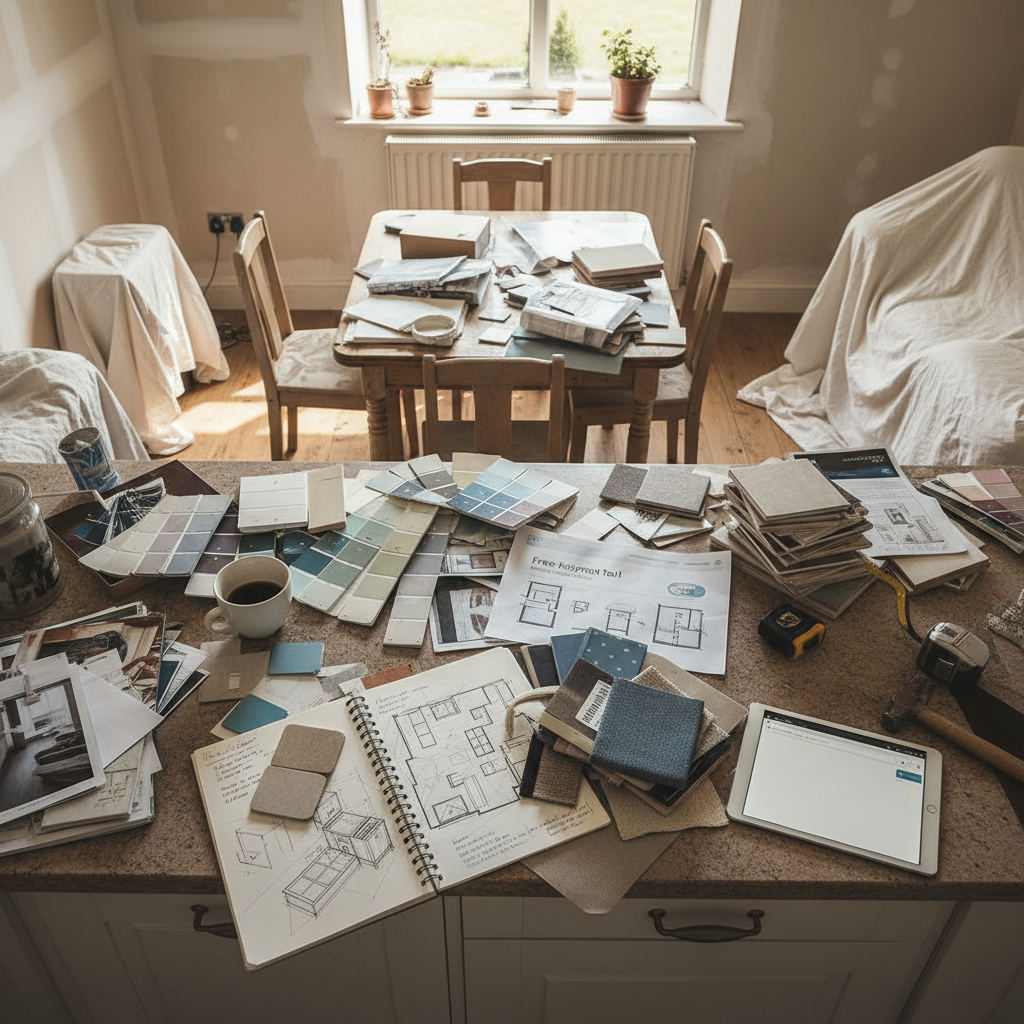
Most DIY renovations run into trouble before a single tile is laid or a cabinet is ordered. The reasons are almost always the same three:
- No floor plan. A rough sketch on paper leaves too much room for guesswork.
- Guessed measurements. Furniture that looks right in a shop is 20 cm too wide at home.
- Vague briefs. Contractors work from what you show them. A description is not a plan.
These aren't failures of ambition — they're failures of process. The good news: all three are solved by one simple step that most people skip entirely. Drawing an accurate room layout before you buy a single thing or book a single tradesperson changes everything.
What Does a DIY Renovation Planning Tool Actually Do?
A browser-based room planner takes your real measurements and turns them into a to-scale floor plan you can see, adjust, and share. Unlike a sketch on paper or a saved image on Pinterest, it shows you exactly how much floor space a sofa takes up, whether a dining table fits without blocking the door, and what a kitchen layout looks like with real unit dimensions.
The output is a clean floor plan image — the kind a builder, fitter, or designer can actually work from. That's far more useful than a mood board when you're trying to brief someone on what you want built. It bridges the gap between your idea and their execution, which is where most renovation miscommunications happen.
Step 1 — Measure Your Space Before You Touch Any Tool
Accurate inputs produce a useful floor plan. Guessed inputs produce a plan that looks good on screen but fails in real life. Before you open any room planner, take ten minutes and measure your space properly.
A laser measure makes this faster and more accurate than a tape — models from well-known hardware retailers typically start around £20 to £30 (approximately $25 to $40 USD), though prices vary by retailer and region. A standard tape measure works fine too; just measure twice.
What to record and why
- Room length and width — the foundation of every wall you'll draw.
- Ceiling height — critical for tall units, shelving, and fitted furniture.
- Door positions and swing direction — a door that swings into a cabinet is a costly surprise.
- Window positions and widths — fixed points that affect where furniture can sit.
- Fixed features — radiators, boiler cupboards, soil pipes in bathrooms. These can't move, so plan around them from the start.
Step 2 — Draw Your Room Layout in Free Room Planner
Open Free Room Planner in your browser. No sign-up, no download, no payment. Select your room type — kitchen, bathroom, bedroom, living room, or a full multi-room layout — and type in your room dimensions.
The snap-to-grid system locks your walls to a 1cm metric wall grid, so the plan you draw reflects your actual space rather than a rough approximation. Click to place a wall start point, drag to the correct length, and release. Repeat for each wall. Live measurements update as you draw, so you always know exactly what you're working with.
Adding doors, windows, and fixed features
Once your walls are in place, add your doors and windows before anything else. These are the non-negotiables — fixed points the rest of the layout has to work around. Place them using the drag-and-drop panel, then position radiators or other fixed elements. Getting these right at the start prevents you from designing a beautiful layout that simply doesn't work in real life.
Step 3 — Place Furniture and Test Your Layout
This is where the planning process pays off. Open the furniture library and start dropping in key pieces — a sofa, a bed, kitchen units, a bath. Drag each item into position, resize where the tool allows, and check whether the space actually works.
The real value is in testing multiple arrangements without moving a single heavy item. Try the sofa against the window, then against the back wall. Check whether the bed leaves enough clearance on both sides. See if the kitchen island creates a workable traffic flow or blocks the fridge.
Free Room Planner includes room-specific planners for kitchens, bathrooms, bedrooms, and living rooms — so the furniture library you're working from is relevant to the space you're planning. For dedicated bathroom planning, the small bathroom layout planner walks through compact space decisions in more detail.
Step 4 — Export and Share Your Floor Plan
When your layout looks right, export it as a clean PNG image. That file is what you send to your builder, kitchen fitter, or interior designer before any work begins.
A shared floor plan with real dimensions removes the single biggest source of renovation miscommunication. Consider a typical scenario: a contractor assumes a gap between two units is 600 mm; your exported plan clearly shows 450 mm. That one discrepancy, caught before installation day, prevents a mid-project redesign that could cost several hundred pounds or dollars in wasted materials and labour. For more on getting floor plans contractor-ready, see the guide to sharing floor plans with contractors.
The exported image is free to generate and carries your actual measurements — not an approximation, not a sketch, not a verbal description.
Real Renovation Scenarios Where This Process Saves Time
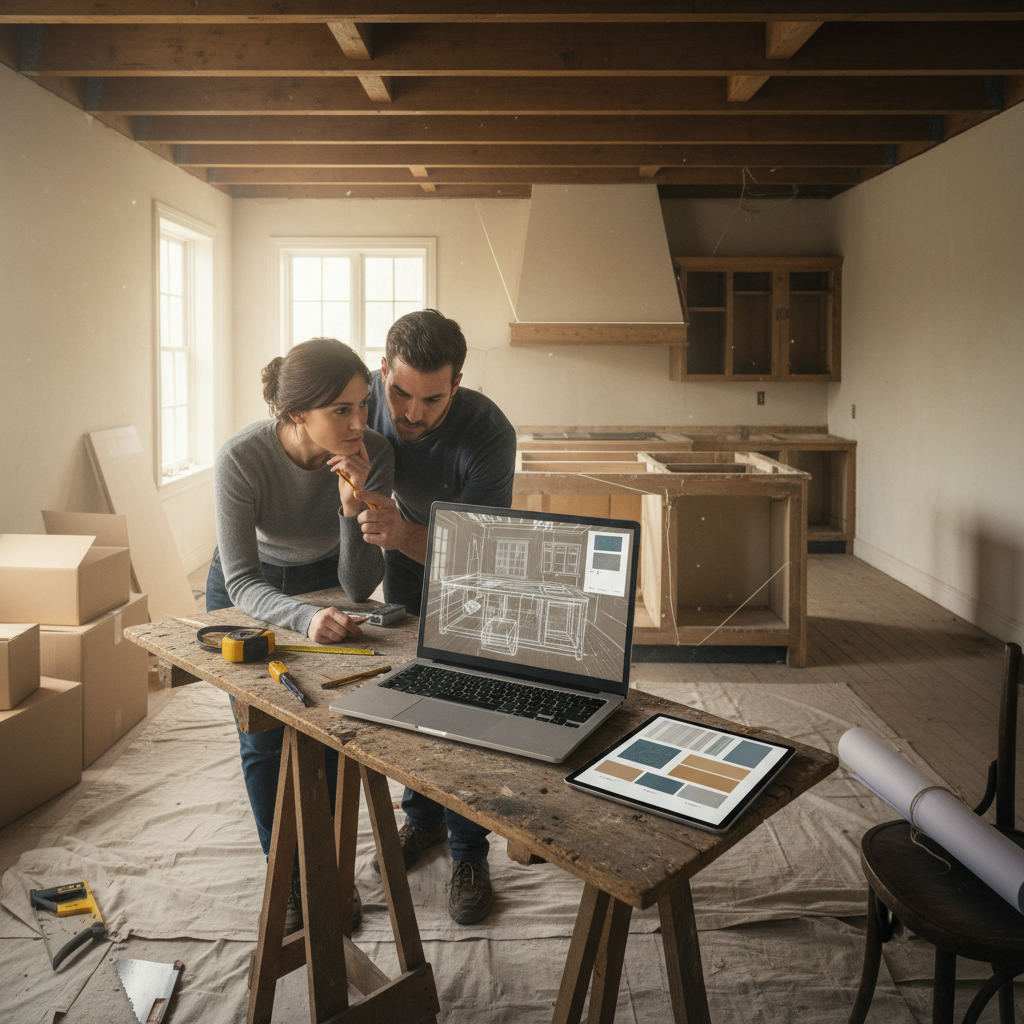
These are composite examples based on the kinds of planning errors that come up repeatedly in DIY renovation communities — the sort of situation the planning process is built to prevent.
Kitchen refit: A homeowner plans a new kitchen layout and realises digitally that the island they want leaves only 700 mm of walkway on one side — tight for two people cooking. They adjust before ordering a single unit. The floor plan maker for contractors guide covers how to turn that layout into a proper brief.
Bathroom upgrade: A couple planning a small bathroom swap finds that their chosen freestanding bath leaves no clearance for the door to open fully. Moving the bath 30 cm in the planner solves it instantly — no plumber required to discover the problem on-site.
Living room redesign: A family trying to fit a sectional sofa into a converted through-lounge tests four arrangements digitally before settling on one that keeps the traffic route clear and the TV at the right viewing angle.
Five Common Mistakes to Skip When Planning a DIY Renovation
- Ignoring traffic flow. Every room needs a clear path between entry points. Draw the route before you fill the room with furniture.
- Forgetting radiator positions. Radiators block wall space and affect where furniture can sit. Add them to your plan early.
- Not accounting for door swing. A door that opens into a unit or bed is an avoidable problem. Mark swing arcs in your layout.
- Planning furniture before finalising flooring. Thick carpet or raised tiling affects unit heights and clearances. Confirm your flooring choice first.
- Skipping a second measurement check. Measure once to start, measure again before you export. One transposed digit costs real money.
For a deeper look at measurement accuracy, the guide on how to draw floor plans accurately covers the most common errors and how to avoid them.
Start Your Renovation Plan Today
The process is four steps: measure your room, draw it in a free browser planner, test your furniture layout, and export a floor plan to share. That's it. You don't need a design background, a paid subscription, or a desktop app.
Open Free Room Planner now, draw your first room in under ten minutes, and walk into your next contractor conversation with a plan they can actually work from. No sign-up, no cost, no delay. When you're ready to go deeper on a specific space, explore the room-specific planners for kitchens, bathrooms, bedrooms, and living rooms — each one is built around the decisions that matter most in that space.