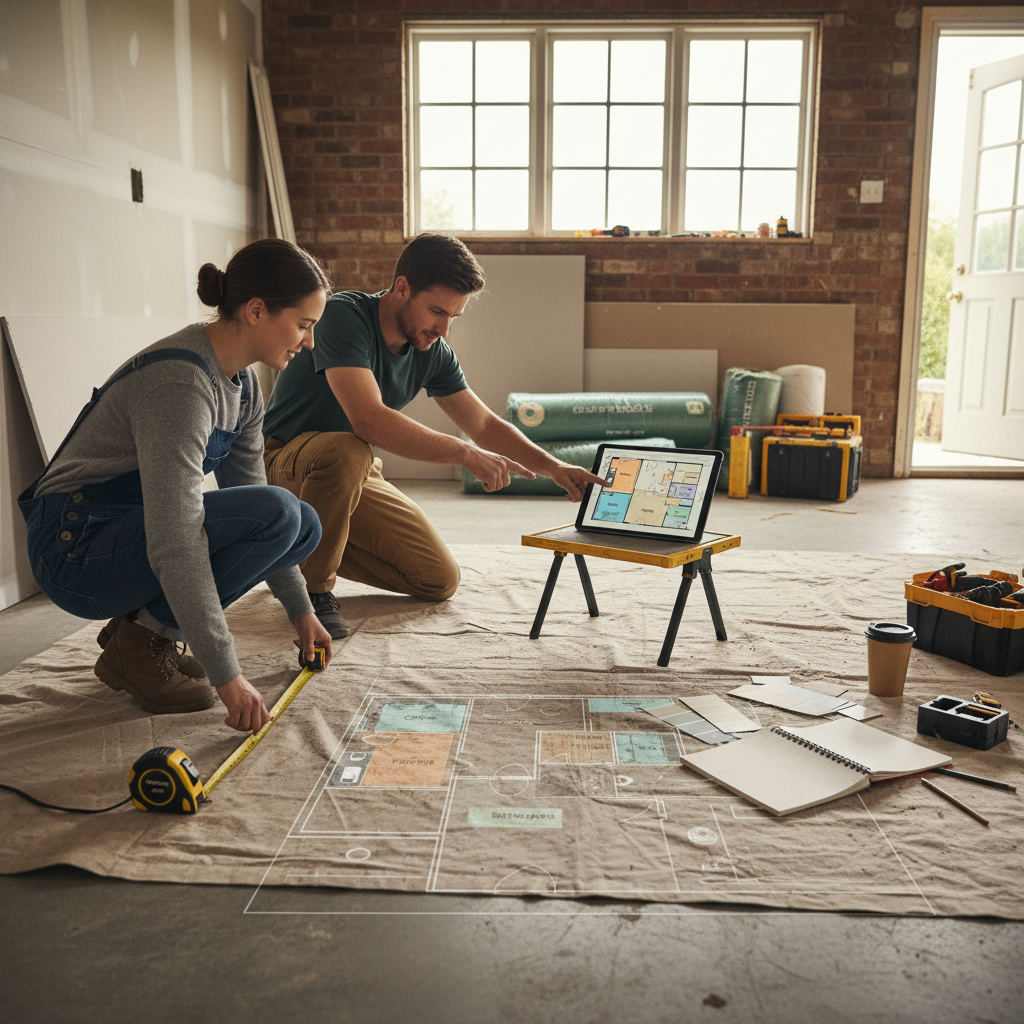
A garage conversion planner is a browser or app-based tool that lets you draw your garage to scale, test layouts, and export a floor plan to share with a builder. For homeowners, the fastest free option is a no-sign-up browser planner with snap-to-grid measurements.
In this article
- Which garage conversion planner is best for homeowners?
- When is each option the better choice?
- How do you draw a garage conversion floor plan accurately?
- What can you convert a garage into?
- Do you need planning permission for a garage conversion?
- How a floor plan changes the builder conversation
- Frequently Asked Questions
- Start drawing your garage conversion today
| Tool type | Cost | Sign-up | Learning curve | Accurate measurements | Best for |
|---|---|---|---|---|---|
| Browser planner (no account) | Free | No | Minutes | Yes (snap-to-grid) | Homeowners briefing a builder |
| Graphic design floor plan maker | Free tier / paid | Yes | Low-medium | Rough only | Mood boards, rough sketches |
| Desktop CAD software | Paid / free trial | Yes | Steep | Yes | Trained professionals |
| Pen and graph paper | Free | No | Low | Manual | Very small single garages |
| Hiring a designer | Hundreds+ | N/A | None | Yes | Complex structural jobs |
Most homeowners don't need software built for architects. You need a plan a builder can quote from, and you need it today. Below is how the real options stack up, ranked for people converting a garage without design training.
Which garage conversion planner is best for homeowners?
For the complete guide on this topic, see Loft Conversion Planning Tool: Free Floor Plan Guide.
For most homeowners, a free browser-based planner with snap-to-grid and live measurements is the best choice, because it produces an accurate, shareable floor plan in minutes with no download, no sign-up, and no cost.
The deciding factors come down to three things: how accurate the output is, how quickly you can learn it, and whether you'll actually finish the plan. A tool that produces beautiful renders but takes a weekend to learn loses to a simple one you use in ten minutes.
The ranked shortlist
- Browser planner (no account) — the sweet spot for homeowners. Draw walls, add the garage door opening, drop in furniture, and export a clean PNG. Snap-to-grid keeps every measurement honest, so your builder quotes from real dimensions.
- Graphic design floor plan maker — fine for a rough visual, but measurements are approximate. Good for showing the idea of a home office, weak for anything a builder prices from.
- Pen and graph paper — genuinely useful for a tiny single garage. Cheap, immediate, and no screen. The catch: you can't easily test furniture fit or share a clean copy.
- Desktop CAD software — powerful and precise, but built for trained users. Overkill unless you're doing the technical drawings yourself.
- Hiring a designer — the right call for complex or structural conversions, but you'll pay hundreds before a single wall moves.
When is each option the better choice?
Each tool wins in a specific scenario. Match the option to your project rather than defaulting to the most powerful one.
Choose a free browser planner when you want to brief a builder accurately and keep costs at zero. Enter your dimensions, test whether a desk, bed, or gym rig fits, and hand over a dimensioned layout. This is the default for single and double garage conversions alike.
Choose a graphic design floor plan maker when you only need a rough mood-board style layout and don't need true dimensions. Handy for a quick idea, not for quoting.
Choose pen and paper when your garage is small, square, and you already know exactly what's going in it. A scrappy sketch beats no plan.
Choose CAD or a designer when walls are being removed, foundations are involved, or you need formal technical drawings for building control. That's structural territory — bring in a professional.
How do you draw a garage conversion floor plan accurately?
Draw your garage floor plan accurately by measuring at floor level, using a tool with snap-to-grid, and recording every opening. Enter your real dimensions rather than eyeballing, and the plan stays true to the space.
Here's the short version of how to draw floor plans accurately for a garage:
- Measure at floor level, twice. Garage walls lean and taper. Measure width and depth at the front and back of the space.
- Record every opening. Note the garage door, any side windows, and internal doors — measured from the nearest corner.
- Enter dimensions into the planner. Free floor plan software with no download saves you learning a heavy program. Snap-to-grid aligns walls automatically.
- Add partitions and furniture. Test fit before you commit. Moving a sofa on screen costs nothing; moving a wall mid-build costs plenty.
- Export and share. A clean PNG hands your builder real measurements instead of a phone description.
For a fuller walkthrough, our furniture arrangement tool guide covers testing fit before you buy.
What can you convert a garage into?
A garage can become a home office, extra bedroom, gym, playroom, utility room, or open-plan kitchen extension. The right choice depends on your household and, mainly, the size of the garage.
A single garage runs roughly 5m x 2.5m to 5m x 3m — enough for a home office, single bedroom, compact gym, or utility room. A double garage sits closer to 27 to 30 square metres, opening up split-room layouts, a guest suite, or a generous studio.
Few quick layout pointers by room:
- Home office: face the desk toward the main window, angled slightly to dodge screen glare on calls.
- Bedroom: put the bed on the wall furthest from the door, with at least 70cm clearance on the access side.
- Gym: draw equipment to scale and check safety zones; a treadmill needs clear space behind it, not just beside it.
- Playroom: keep large items around the perimeter and leave the centre open.
Do you need planning permission for a garage conversion?
In the UK, most garage conversions fall under Permitted Development and don't need full planning permission, but building regulations approval is almost always required. Listed buildings, conservation areas, and some new-build estates are exceptions.
Building regulations typically cover insulation, ventilation, fire safety, structural integrity, and electrical or plumbing work. The Planning Portal (planningportal.co.uk) has a clear summary of when permission is and isn't required — check there before assuming either way. In the US and Canada, a change of use from garage to habitable room usually needs a building permit; rules vary by municipality, so confirm with your local planning department.
For structural walls or foundations, speak to a structural engineer. That's outside what any floor plan tool can do.
How a floor plan changes the builder conversation
A floor plan removes ambiguity — and ambiguity is where cost overruns come from. Instead of describing what you want, you show it. When you share yours, mark the overall dimensions, all door and window positions, partition walls, fixed elements like drainage or the consumer unit, and a one-line note on intended use.
That note matters more than it looks. "Home office" or "gym" tells a builder a lot about insulation, ventilation, and power before they ask a question. A shared plan also lets you compare quotes fairly, because every builder is pricing the same layout. Our guide on briefing a builder with a floor plan goes deeper on annotation.
Frequently Asked Questions
Quick answers to the questions homeowners ask most about planning a garage conversion.
Is there a free garage conversion planner with no sign-up?
Yes. Free Room Planner is a browser-based tool that needs no account, no download, and no payment. You enter your garage dimensions, add walls and openings, place furniture, and export a clean PNG to share with a builder.
Can I use a graphic design tool like Canva to plan a garage conversion?
A Canva-style floor plan maker works for a rough visual or mood board, but its measurements are approximate. If a builder is going to quote from the layout, use a planner with snap-to-grid and live measurements so the dimensions are actually accurate.
How do I measure my garage for a floor plan?
Measure width and depth wall to wall at floor level, taking readings at both the front and back since walls aren't always parallel. Record ceiling height at the centre and corners, then note the position and size of every door and window from the nearest corner.
Do I need CAD software to convert a garage?
No. CAD is built for trained professionals and is overkill for most homeowners. A free browser planner produces an accurate, dimensioned floor plan a builder can work from without any technical training or subscription fee.
What size room does a single garage make?
A typical single garage of around 5m x 2.5m to 5m x 3m converts to a room roughly the size of a large bedroom. That's enough for a home office, a single bedroom, a compact gym, or a utility room, but furniture fit is tight — so test the layout before you build.
Start drawing your garage conversion today
Measure the space, decide what the room does, draw the layout, and share it with a builder. That's the whole process. The hardest part is starting — and a plan in front of you makes every conversation faster and every quote more comparable.
Open Free Room Planner, draw your garage layout in minutes, and export it free. No sign-up. No download.