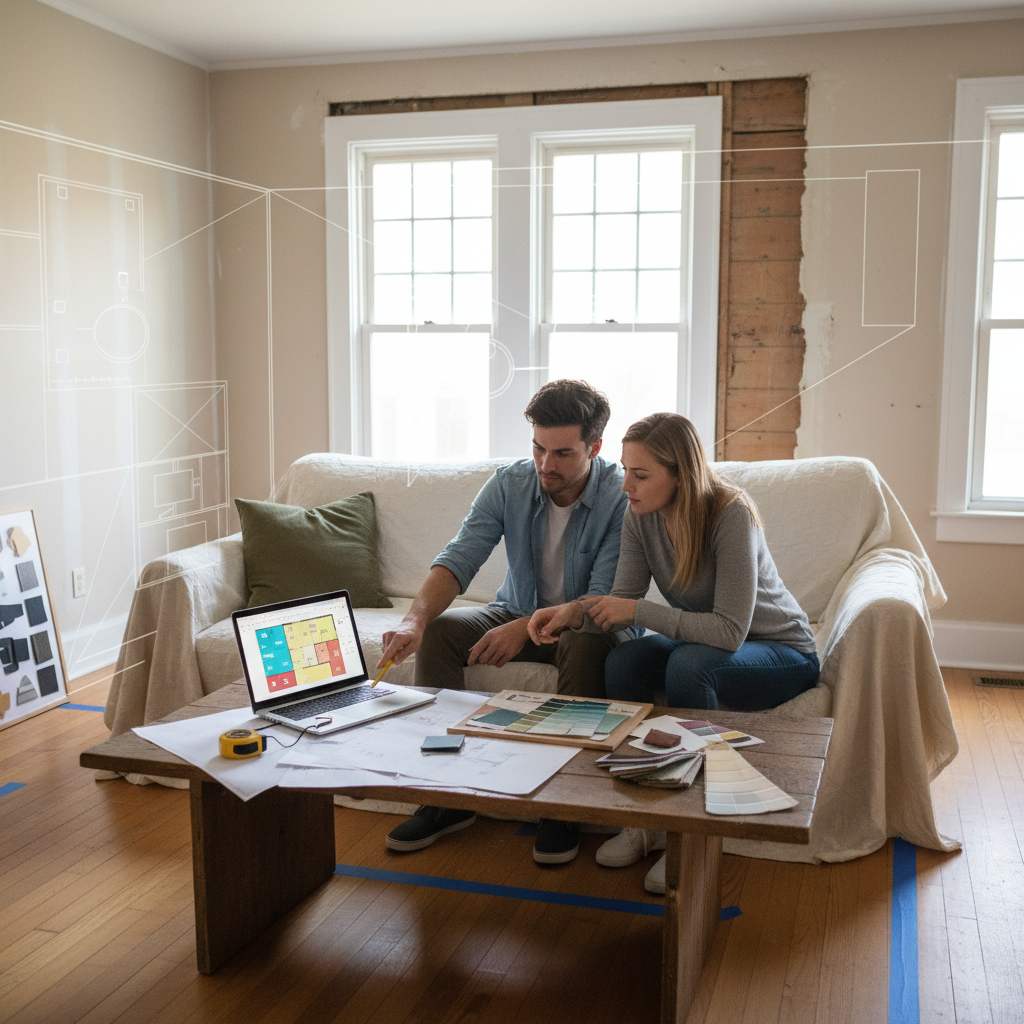
Floor plan mistakes are layout errors made during the planning stage that cause expensive problems once building or decorating begins — and a free digital room planner is the fastest way to catch them before a single nail goes in.
By Free Room Planner TeamImagine measuring the room, picking the sofa, waiting three weeks for delivery — then watching the removal crew discover it blocks the living room door. It happens more than you'd think. Not because homeowners are careless, but because a rough sketch or a mental picture simply can't show you what a to-scale plan can.
The good news: every mistake on this list is catchable before work starts. A free, no-sign-up browser-based room planner at freeroomplanner.com lets you draw walls, drop in furniture, and spot problems in minutes — no download, no design experience required. Here are the eight errors worth checking right now.
TL;DR: The eight most common floor plan mistakes are ignoring traffic flow, planning only in 2D, skipping accurate measurements, placing furniture before fixing the focal point, overlooking sockets and plumbing, copying layouts from different rooms, finalising without sharing, and planning in your head. Each one is avoidable with a precise, to-scale digital floor plan.
1. Ignoring Traffic Flow Through the Room
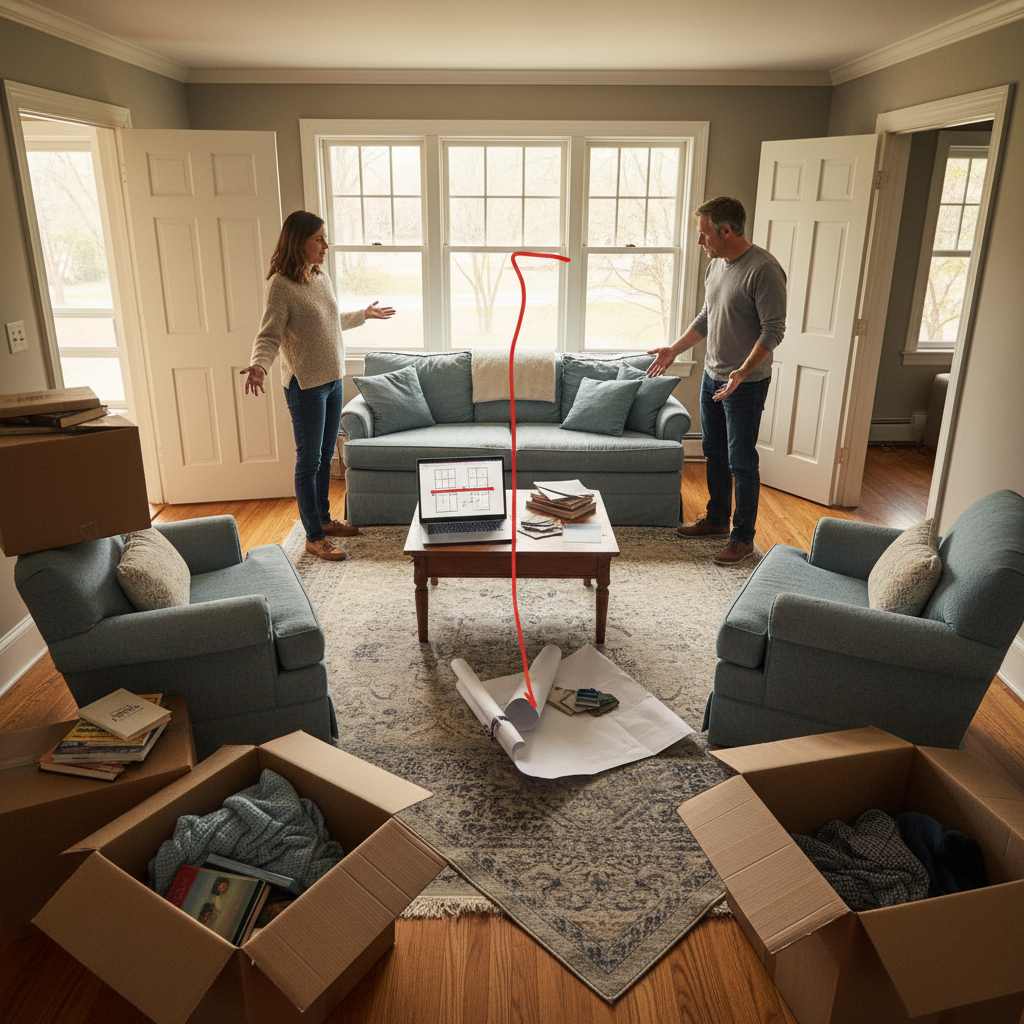
Traffic flow is the single most common floor plan error. Most people focus on where furniture fits rather than how people move around it. The result: a sofa that technically fits but leaves a 40 cm gap to the door — too narrow for comfortable movement and impossible to spot on a rough sketch.
Industry guidance from bodies such as the National Kitchen and Bath Association typically recommends at least 90 cm of clearance for main traffic paths and around 60 cm for secondary routes. When you draw your room to scale in a digital planner, these gaps become immediately visible — you can see whether your layout leaves a workable path or a squeeze before anything is ordered.
What clearance distances actually look like on a plan
Draw your walls in freeroomplanner.com, add your furniture to scale, then trace the path from the door to the key areas of the room. If the route narrows below roughly 90 cm at any point, the planner shows it instantly. Adjust, move, resize — then save the corrected layout.
2. Treating the Floor Area as the Whole Story
A floor plan shows the room from above, which makes it easy to forget everything happening vertically. Ceiling height, window sill levels, radiator positions, and extractor fan locations all affect what can go where — but none of them appear in a basic 2D sketch.
Before finalising any layout, note these constraints on your plan as fixed reference points. A floor-to-ceiling wardrobe won't clear a low window. A full-height fridge won't fit under an overhead cabinet. Marking the height of obstructions — even as a simple note on the exported plan — prevents ordering furniture or fittings that physically cannot work in the space.
3. Skipping Accurate Room Measurements
Eyeballed measurements cause cascading errors. A wall that's mentally rounded up by 15 cm can mean a fitted unit doesn't close, a kitchen run that's 10 cm short of the cooker, or a bathroom vanity that overlaps the door swing. These aren't minor inconveniences — they mean rework, re-ordering, and extra cost.
The snap-to-grid feature in a free room planner locks every wall and furniture item to a consistent grid, and live measurements update as you draw. That means the plan you share with a contractor or fitter reflects actual dimensions, not approximations. It's a faster and more reliable method than measuring tape plus a paper sketch — and it costs nothing.
The one measurement most people forget — door swing radius
A door needs clearance to open. The swing arc — typically 70–90 cm depending on the door width — cuts into the usable floor area beside it. Draw the full swing arc on your plan before placing any furniture near a doorway. Interior design guidance consistently flags this as one of the most overlooked dimensions in home layouts.
4. Placing Furniture Before Fixing the Focal Point
The focal point — fireplace, TV wall, bay window, or kitchen island — should anchor the room. When you place furniture first and figure out the focal point later, everything ends up floating in the middle with no clear relationship to the walls or to each other.
Start by marking the focal point on your digital canvas. Then position seating and key pieces to face or frame it. This single change transforms a layout from a collection of furniture into a room that feels intentional. It takes seconds to move items around on screen, and it's the kind of thing you'd pay a designer to tell you — except you can work it out yourself for free.
5. Overlooking Socket, Switch, and Plumbing Positions
Fixed utility points are expensive to move. A kitchen where the sink is plumbed to the left wall but the layout puts it on the right means a full re-route. A TV unit placed in front of the only double socket means trailing cables across a traffic path.
Mark sockets, switches, radiators, and plumbing outlets on your floor plan as your first step — before adding a single piece of furniture. Every layout decision then works around real constraints rather than ideal ones. This is especially important for bathroom renovation planning, where plumbing positions are often fixed and re-routing adds significant cost to the project.
6. Copying a Layout That Worked in a Different Room
Showroom layouts are designed for idealised rectangular spaces with neutral light. Your room has a chimney breast, a door in an awkward corner, and a window that faces north. The proportions are different. The entry points are different. The light direction is different.
A copied layout rarely transfers directly — but it's easy to assume it will because it looked right in the photo. Drawing your specific room to scale in a digital planner and then placing the copied layout inside it immediately shows whether it works for your space. Usually, it needs adjusting. Better to discover that on screen than after delivery.

7. Finalising the Plan Without Sharing It First
A floor plan that makes complete sense to you can be misread by a contractor. Unlabelled walls, ambiguous furniture placement, and hand-drawn sketches all introduce room for interpretation — and interpretation on a building site leads to costly rework.
Exporting your plan as a clean image from a digital room planner gives the contractor, fitter, or designer a clear, labelled, to-scale document to work from. It removes guesswork, reduces back-and-forth, and — critically — means you don't need to pay a designer just to produce a professional-looking layout brief. For a deeper look at producing accurate plans, the guide on how to draw floor plans accurately covers the full process step by step.
How to export and share a floor plan so contractors read it correctly
In freeroomplanner.com, complete your layout with accurate wall lengths and furniture placed to scale. Use the export feature to save a clean PNG. Add a brief written note listing key dimensions — room width, door positions, any fixed utility points — and send both to your contractor before any work is quoted or begun. This single step prevents the majority of on-site surprises.
8. Trying to Hold the Whole Layout in Your Head
This is the mistake that connects all the others. A mental plan can't show traffic flow. It can't flag a door swing conflict. It can't tell you whether the dining table leaves enough room to pull out chairs on both sides. The moment you commit a layout to a precise, to-scale digital plan, every one of the seven mistakes above becomes visible.
Free floor plan software with no download required removes every barrier to doing this properly. There's no learning curve, no subscription, and no reason to sketch on the back of an envelope when a browser-based planner gives you live measurements and a shareable result in under five minutes.
For a broader look at planning tools available online, the article on best free house floor plan creators covers the main options side by side. And if you want practical help arranging furniture in a specific room, the guide on how to use a room layout planner is a useful next step.
Next Step: Catch Every Mistake Before Work Starts
These eight floor plan mistakes are responsible for the majority of expensive surprises homeowners face during renovation and decorating projects. The fix for all of them is the same: draw the room to scale, mark the constraints, and share the result before a single item is ordered or a contractor is briefed.
Open the free room planner at freeroomplanner.com — no sign-up, no download, no cost. Draw your walls, add your furniture, and export a clean plan you can send directly to your fitter or builder. Catching a layout problem on screen takes minutes. Fixing it on site takes days and money.
Frequently Asked Questions
Here are the most common questions homeowners ask about floor plan mistakes and how to avoid them.
What is the most common floor plan mistake homeowners make?
Ignoring traffic flow is the most frequent error. Most people focus on fitting furniture into the available space rather than leaving workable clearance between pieces, around doorways, and along main routes through the room. Drawing furniture to scale in a digital planner reveals blocked paths immediately.
Do I need design experience to use a free room planner?
No. Browser-based room planners like the one at freeroomplanner.com are built for homeowners, not designers. You draw walls, drag in furniture, and the tool handles measurements automatically. Most users produce a usable floor plan in under ten minutes without any prior experience.
How accurate does a floor plan need to be for a contractor?
Accurate enough that your contractor isn't guessing. That means correct room dimensions, furniture placed to scale, and fixed points — sockets, doors, plumbing — clearly marked. A clean exported image with a short note listing key measurements is usually sufficient for quoting and briefing purposes.
Can a digital room planner replace a professional designer?
For layout planning and contractor communication, yes — in many cases. A free room planner lets you work out furniture placement, spot conflicts, and produce a shareable brief without design fees. For complex structural changes or full interior schemes, a professional still adds value, but the floor plan stage rarely requires one.
Why do copied layouts from showrooms or online photos rarely work?
Showroom layouts are designed for idealised spaces with specific proportions. Your room has its own entry points, fixed utility positions, and light conditions. A layout that works in a 4 m square showroom may fail completely in a 3.5 m room with a chimney breast and an off-centre door. Drawing your actual room to scale shows exactly where the differences lie.