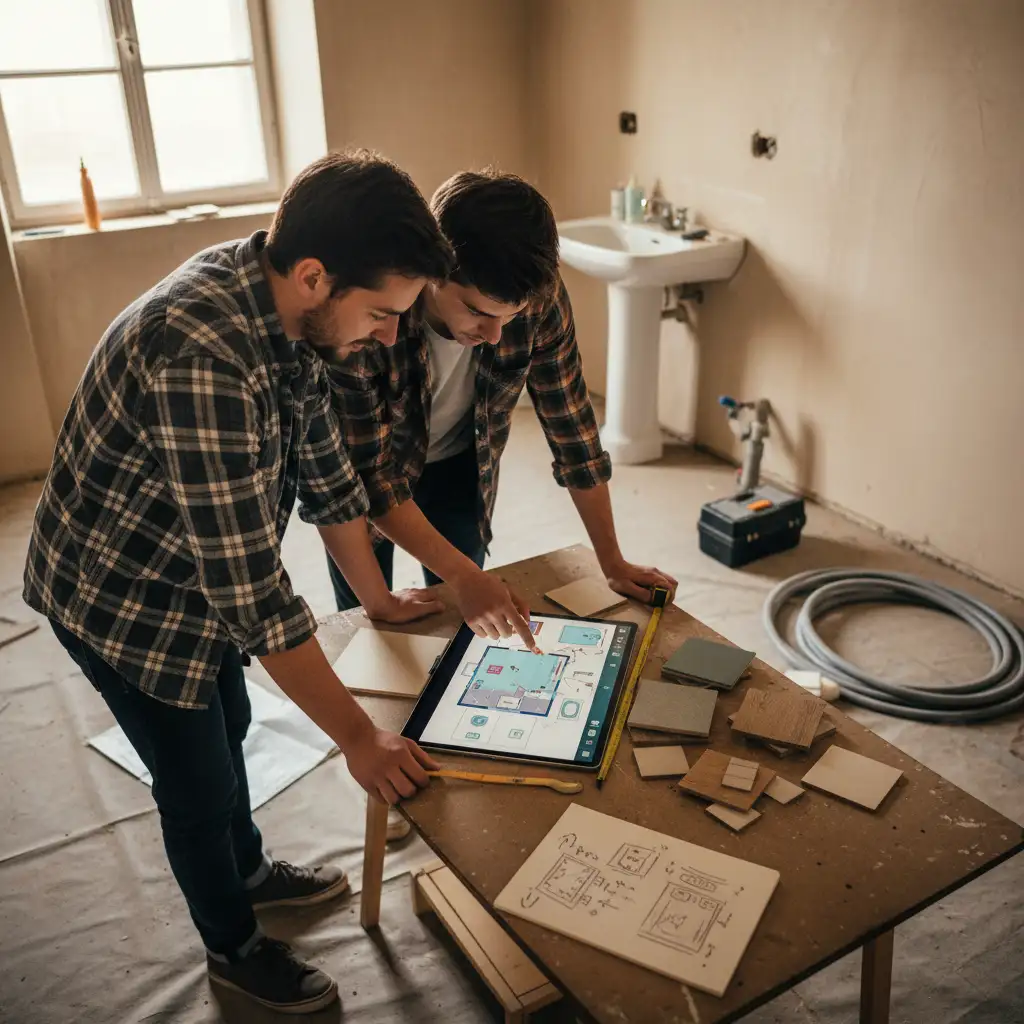
A bathroom layout planner is a browser-based tool that lets you draw your bathroom to scale, place fixtures accurately, and export a finished floor plan to share with your contractor — all before you spend a penny on tiles or fittings.
By Free Room Planner Team · Last updated: May 2026TL;DR: Measure your bathroom, open a free online planner, draw your walls, place your fixtures, check the clearance space, then export and share. The whole process takes about 10 minutes and prevents costly mistakes. Free Room Planner needs no sign-up and no download — open it in your browser right now.
You're standing in your bathroom with a tape measure, trying to picture whether a walk-in shower will actually fit along the back wall — or whether swapping the toilet and vanity makes any sense at all. It's difficult. Spatial planning in your head is unreliable, and a rough sketch on the back of an envelope won't cut it when you're briefing a fitter.
That's exactly what a bathroom layout planner solves. This guide covers what these tools do, how to use one from scratch, which free options are worth your time, and a few layout ideas to get you started.
What Is a Bathroom Layout Planner?
A bathroom layout planner is a digital tool that lets you draw a to-scale floor plan of your bathroom, place fixtures like baths, showers, toilets, and basins, and see exactly how everything fits together. Most browser-based planners include snap-to-grid accuracy so your measurements are reliable, not approximate.
Digital vs Paper Planning
A pencil sketch has its place at the start of a project — but it falls apart fast. Lines go out of proportion, edits are messy, and there's no easy way to share a paper sketch with a contractor in another town. A digital planner gives you accurate dimensions from the start, lets you move fixtures around in seconds, and produces a clean image you can send by email or message. The difference in clarity — for you and your fitter — is significant.
Why Planning Your Bathroom Layout Matters Before You Buy
The cost of getting a bathroom layout wrong isn't just inconvenience. A bath that's 20cm too long for the alcove, a door that swings into the toilet, or a shower tray positioned directly under a window — these are real mistakes that homeowners make every year, often after fixtures have already been ordered.
Mapping out your layout first lets you catch those errors on screen, where fixing them costs nothing. Once you've paid for a bath and arranged delivery, your options shrink fast.
The 5 Key Measurements You Need Before You Start
Before you open any bathroom renovation planner, gather these five figures:
- Room length and width — measure wall to wall at floor level, not from skirting board to skirting board.
- Ceiling height — relevant if you're planning a shower enclosure or overhead storage.
- Door position and swing direction — note which wall the door is on and whether it opens inward or outward.
- Window position and size — mark the centre point of the window on the relevant wall.
- Existing plumbing and waste pipe locations — the toilet waste, basin drain, and bath/shower waste positions. Moving these adds significant cost, so knowing where they are shapes your layout from the start.
Write these down before you open the tool. You'll enter them in the first step.
How to Use a Bathroom Layout Planner: Step by Step
This section uses Free Room Planner as the example — no sign-up, no download, free to use in any browser.
Step 1 — Enter Your Room Dimensions
Open the bathroom planner and draw your four walls using your room length and width measurements. The snap-to-grid system locks each wall to a 10cm grid, so your floor plan is accurate from the start. Don't eyeball it — enter the actual numbers.
Step 2 — Mark Doors, Windows, and Fixed Plumbing
Place your door opening on the correct wall, set the swing direction, and add your window. Then mark where your existing plumbing points sit. Placing these fixed elements first is the most important step: everything else has to work around them. Getting this right now saves you from redesigning the whole layout later.
Step 3 — Add Your Fixtures
Drag in your bath or shower enclosure, toilet, and basin or vanity unit. Position each one in relation to the plumbing points you've already marked. Experiment freely — moving a fixture on screen takes two seconds and costs nothing. Try the toilet on the opposite wall. See whether the shower fits better in the corner. This is the part where the tool earns its keep.
Step 4 — Check Spacing and Circulation
Once everything is placed, check the clearance around each fixture. As a general guide, you want roughly 70cm of free space in front of a toilet, at least 50cm beside a basin for comfortable use, and enough room to open a shower door without it hitting the vanity. The live measurements in Free Room Planner make these checks quick and obvious.
Step 5 — Export and Share Your Plan
When you're happy with the layout, export it as a clean PNG image. Send it to your fitter, contractor, or tile supplier. Instead of a vague description or a phone photo of a hand-drawn sketch, they get an accurate floor plan with real dimensions. That single step reduces miscommunication and the expensive back-and-forth it causes.
Ready to try it? Open Free Room Planner in your browser now — no sign-up, no download, free.
Common Bathroom Layout Mistakes (and How a Planner Helps You Avoid Them)
The most frequent errors homeowners make during bathroom renovation planning:
- Door swings that block fixtures. A door that opens into a toilet or basin is uncomfortable and sometimes unusable. Marking the swing arc in your plan catches this immediately.
- Insufficient turning space. In a compact bathroom, there needs to be enough floor space to move between fixtures without turning sideways. If your plan looks cramped on screen, it will feel cramped in real life.
- Shower positioned opposite a window. Condensation and cold draughts become a problem. Seeing the window and shower positions together on a plan makes this obvious.
- Ignoring the waste pipe location. Designing a layout that requires moving the soil stack adds hundreds to the project cost. Plan around existing plumbing where possible.
Best Free Bathroom Layout Planners Compared
| Tool | Cost | Sign-up needed | 3D view | Export |
|---|---|---|---|---|
| Free Room Planner | Free | No | No | PNG image |
| IKEA Home Planner | Free | Yes | Yes | IKEA-specific |
| Planner 5D | Free tier | Yes | Yes (limited) | Limited on free |
| SmartDraw | Paid | Yes | No | Multiple formats |
Free Room Planner is the fastest route from a blank page to a shareable bathroom floor plan. No account, no download, no subscription — open it in your browser and start drawing. It's built for homeowners, not architects, so the learning curve is flat.
IKEA Home Planner works well if you're buying IKEA bathroom furniture. It has 3D views, but it's tied to their product catalogue, which limits how useful it is for custom or mixed-supplier layouts.
Planner 5D offers 3D views on its free tier, but you'll need to create an account and the free plan restricts how many items you can place. Good for early inspiration, but less practical for a real renovation brief.
SmartDraw has a solid template library but sits behind a subscription. It's more suited to professionals than homeowners planning a single bathroom renovation.
Bathroom Layout Ideas to Try in Your Planner
If you're not sure where to start, try one of these common configurations:
- Wet room. Remove the shower enclosure entirely and tile the whole floor with a central drain. Works best in a square room with good waterproofing access.
- Bath and shower combo. Place the bath along one long wall and a separate shower enclosure in the corner opposite the door. Popular in family bathrooms where both options are needed.
- Compact ensuite. Toilet, basin, and shower in a narrow room — often 1.2m x 2.2m or similar. Stacking fixtures along one wall keeps circulation clear. Check out our small bathroom layout ideas for 6x8 spaces for specific configurations that work in tight rooms.
- L-shaped layout. Basin and toilet along one wall, bath or shower on the adjacent wall. Keeps the centre of the room clear and feels more open.
For a broader look at which free tools handle these layouts best, see our guide to the best free online bathroom planners.
Plan First, Buy Second
A bathroom layout planner turns guesswork into a concrete plan. You'll know exactly what fits, where it goes, and how much clearance you have — before you order a single fixture.
More importantly, you'll have something accurate to hand your fitter instead of a rough description. That clarity saves time, reduces mistakes, and often saves money.
Open Free Room Planner now — no sign-up, no download, free to use. In 10 minutes, you can have a to-scale bathroom floor plan ready to share.
Want to go further? Learn how to draw floor plans accurately or explore the best room planner app for renovations if you're planning more than just the bathroom.